Beautify screenshots for X, with motion
Paste a screenshot, drop it on an aurora background, annotate with hand-drawn arrows, hide anything sensitive, and export a scroll-stopping GIF, all in your browser.
Animated exports that stop the scroll
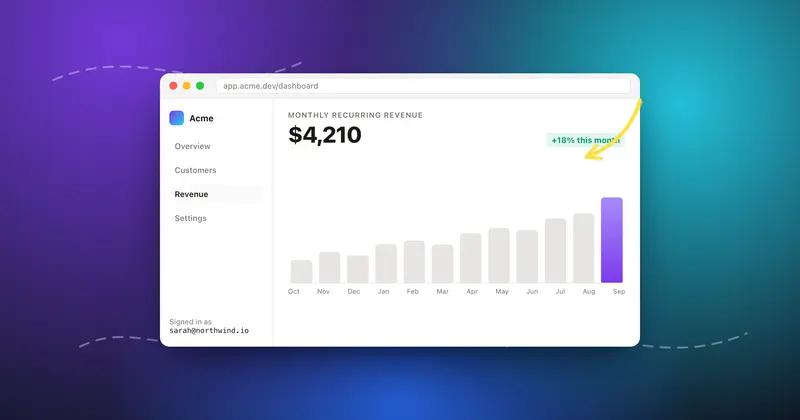
Turn a static screenshot into a looping GIF: animated mesh backgrounds, stickers, and hand-drawn annotations that draw themselves on. Exports are deterministic and always under the 15MB X upload limit.
Privacy scan with 100% local OCR
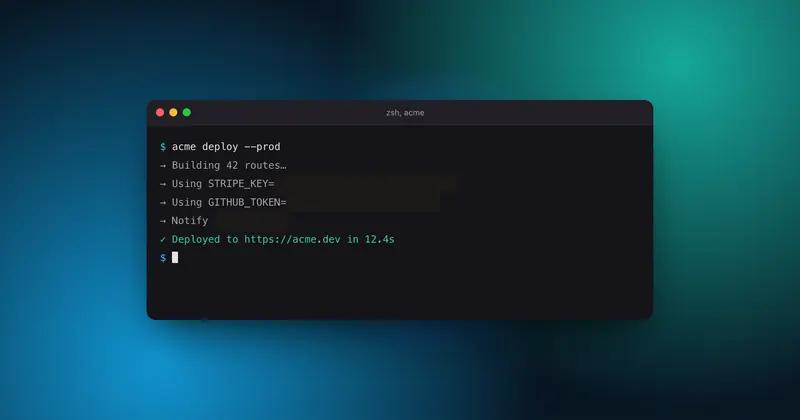
One click finds emails, API keys (Stripe, GitHub, AWS, JWT), card numbers, amounts, phone numbers and @handles in your screenshot, then hides them with real blur, pixelation or black bars. OCR runs in your browser; the image never leaves your machine.
Aurora mesh backgrounds
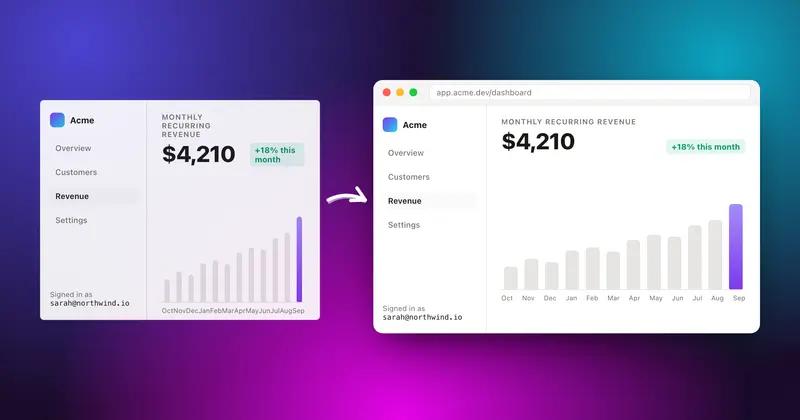
44 curated gradients: dark aurora meshes, pastel glows, multi-stop linears, each fully customizable layer by layer: base color, glow blobs, angle. Or match any brand color in seconds.
Window frames & hand-drawn annotations
macOS, browser and terminal chrome in light or dark. Sketchy arrows, underlines, highlight markers and shapes powered by rough.js, so every stroke looks hand-drawn and can animate in your export.
What makers on X say

Frequently asked questions
Is the screenshot editor free?
Yes. Editing, backgrounds, frames, annotations and PNG export are free. A Pro plan removes the watermark and unlocks premium export options.
Can I export an animated GIF for X (Twitter)?
Yes. Animated backgrounds, stickers and annotations export to a looping GIF that is automatically compressed under the 15MB X upload limit.
Does my screenshot get uploaded to a server?
No. Editing and the privacy scan (OCR) run entirely in your browser. Your image never leaves your machine.
How do I hide emails or API keys in a screenshot?
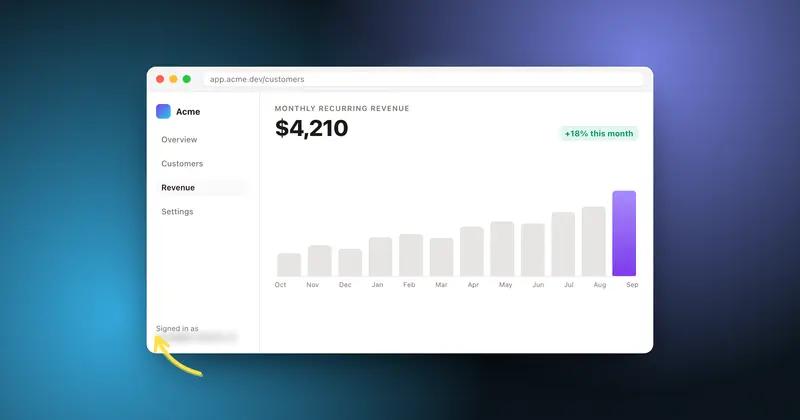
Click Privacy scan. Local OCR finds emails, API keys, card numbers, amounts, phone numbers and @handles, grouped by type. Tick a group to blur, pixelate or black-bar every match at once.
What makes this different from other screenshot beautifiers?
Motion and privacy. Animated GIF exports (backgrounds, stickers, self-drawing annotations) plus a fully local privacy scan that competitors do not have.
Free tools
Same editor, one job at a time
Privacy
Hide API keys in a screenshot before you post
Privacy
Blur every email and handle in one click
Motion
Turn a static screenshot into a looping GIF
Backgrounds
Add a background to any screenshot
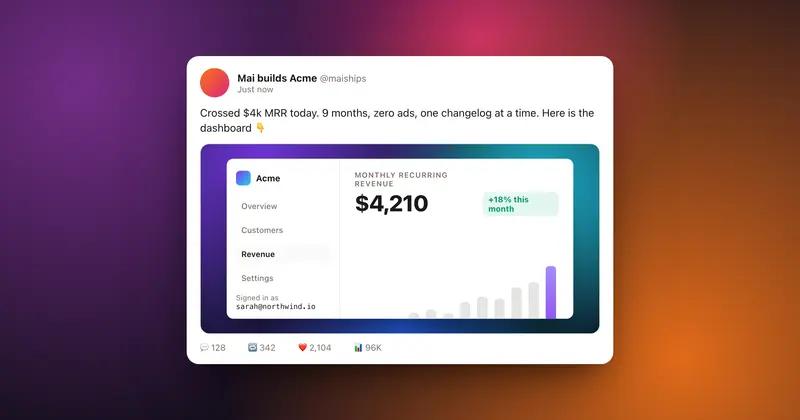
For X
Make a screenshot that looks right on X
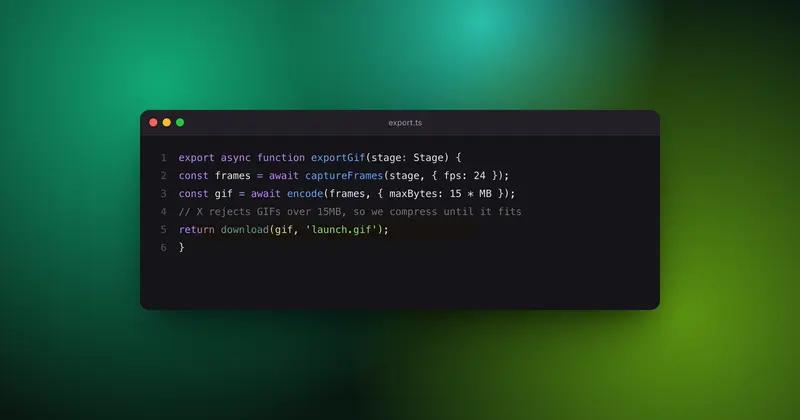
Code
Make a code screenshot worth posting
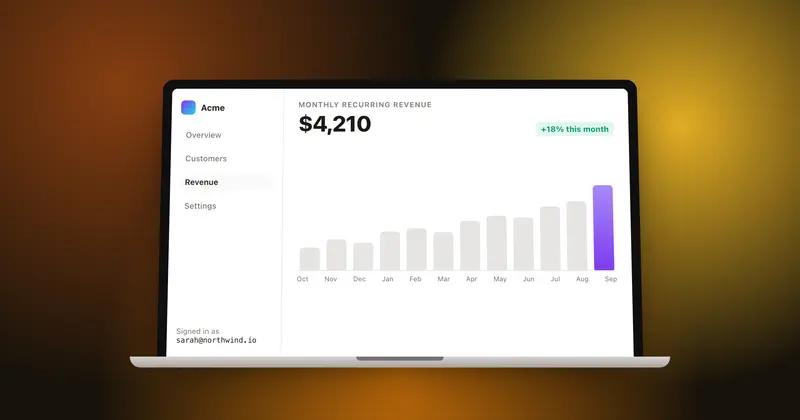
Mockup
Put your screenshot in a MacBook mockup
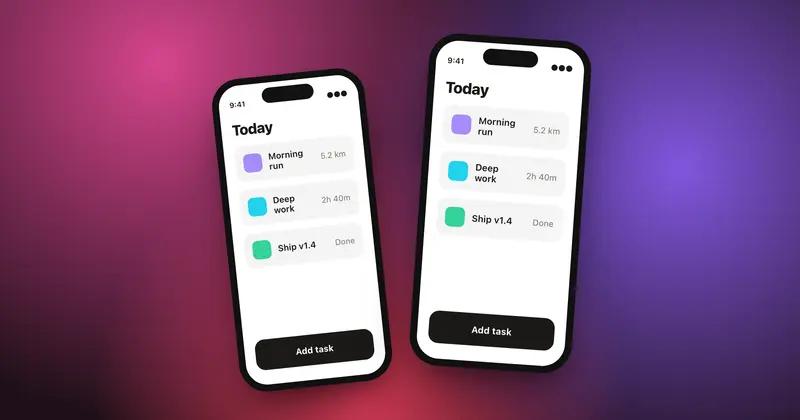
Mockup
Put your app screenshot in an iPhone
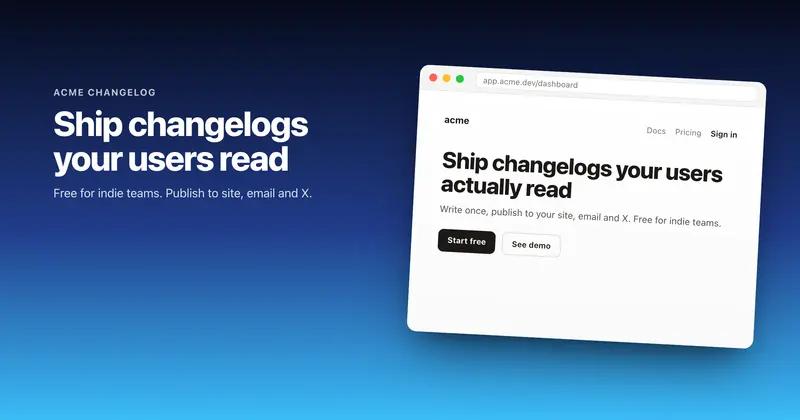
Social
Make an OG image at 1200 by 630
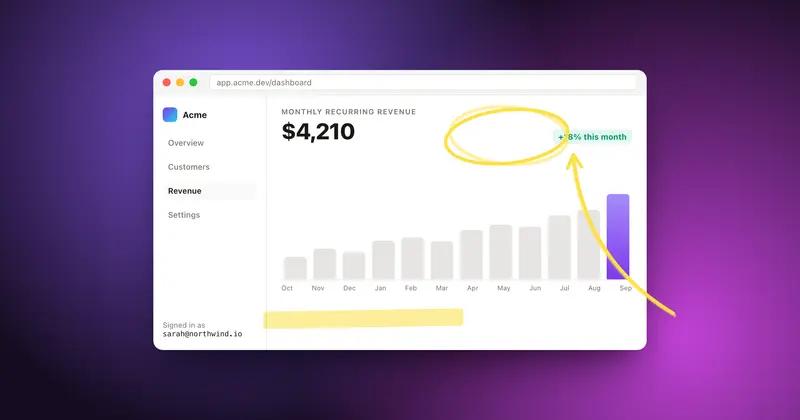
Annotate
Annotate a screenshot with hand-drawn arrows
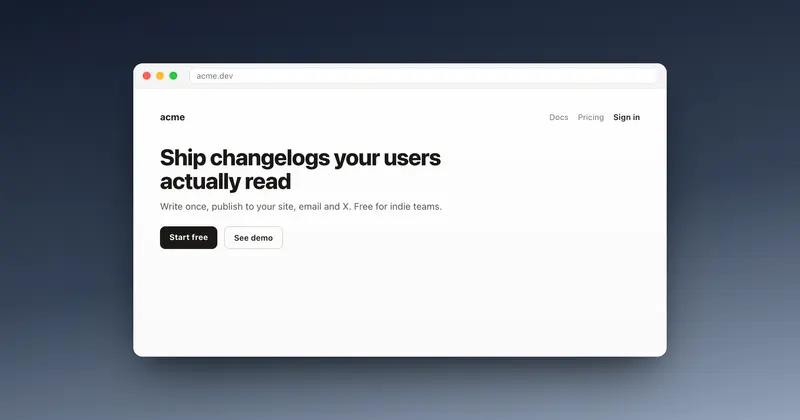
Mockup
Wrap a screenshot in a browser window
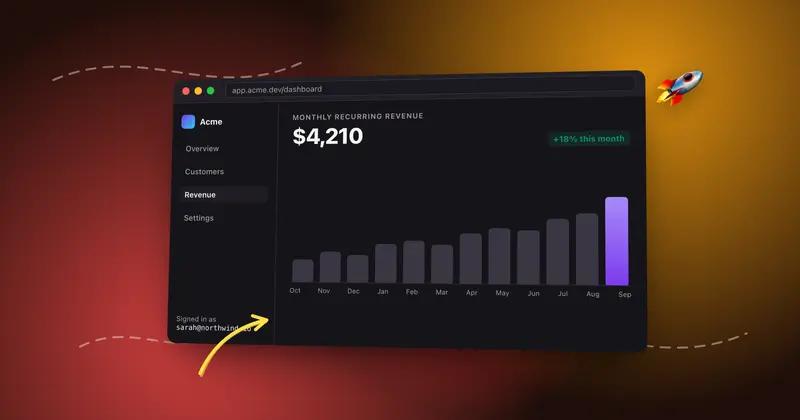
Motion
Make a screenshot mockup that moves
Compare