
One editor, twelve jobs it does well
Every tool below opens the same Shotmesh editor with the right preset loaded. Paste a screenshot, do the job, export. Nothing is uploaded and there is no account.
Open the editor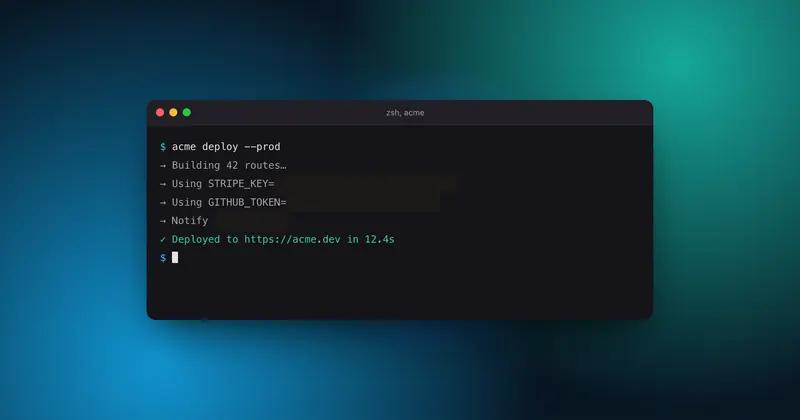
Privacy
Hide API keys in a screenshot before you post
Run a local scan, tick the keys it finds, blur them in one click. The image never leaves your browser.
Privacy
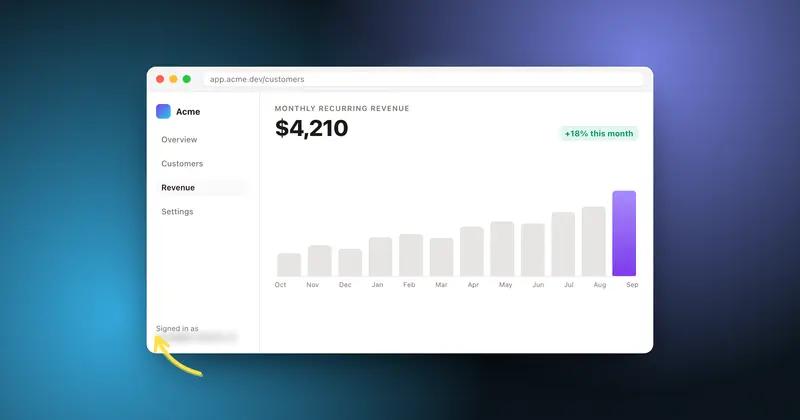
Blur every email and handle in one click
Scan finds every email, @handle and phone number in the image so you can cover them all at once, locally.
Motion
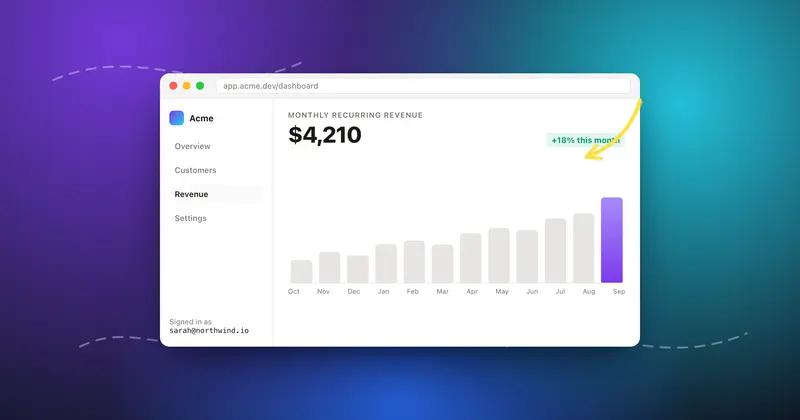
Turn a static screenshot into a looping GIF
Add an animated background and arrows that draw themselves, export a GIF sized to fit X, right from the browser.
Backgrounds
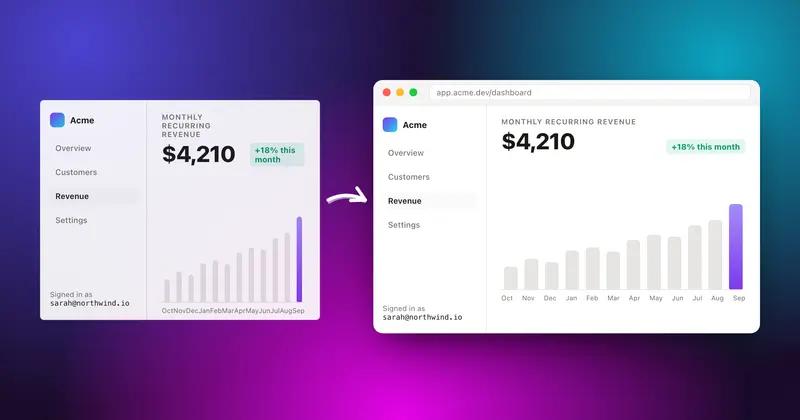
Add a background to any screenshot
44 gradient presets across four styles, plus image and animated backgrounds, each editable layer by layer.
For X
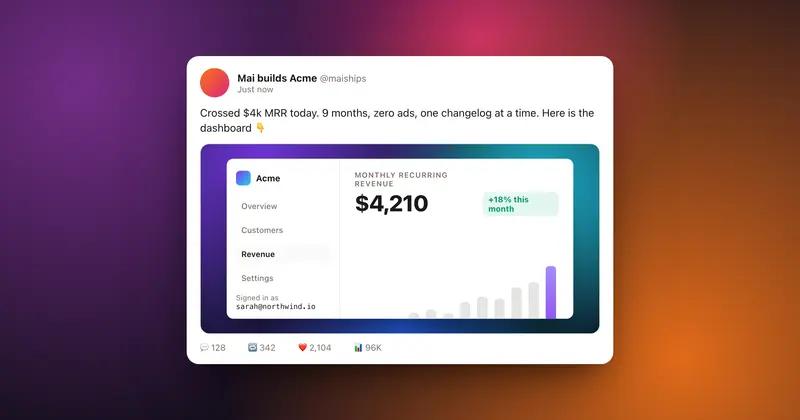
Make a screenshot that looks right on X
Right canvas size, readable on mobile, and a GIF or MP4 that autoplays in the feed instead of sitting flat.
Code
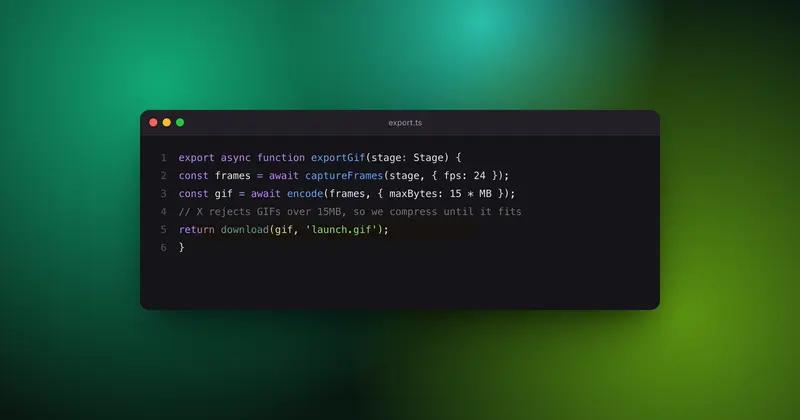
Make a code screenshot worth posting
Frame it like a real window, drop in a dark background, blur any secrets, export straight to X.
Mockup
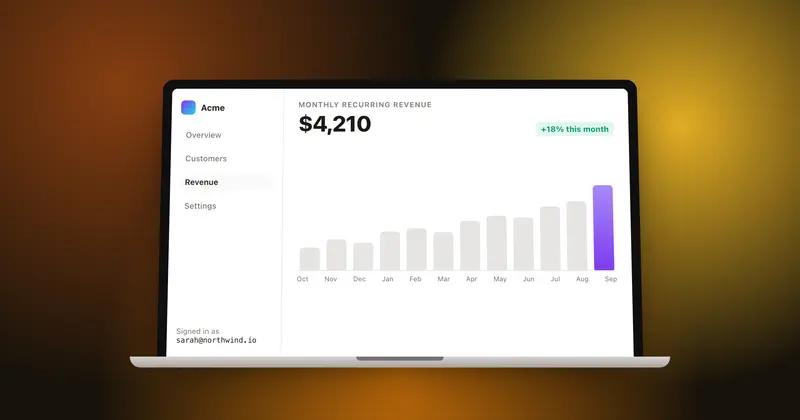
Put your screenshot in a MacBook mockup
Drop a screenshot in and it lands inside a MacBook frame, ready for a gradient background, a tilt, and an export. Nothing leaves your browser.
Mockup
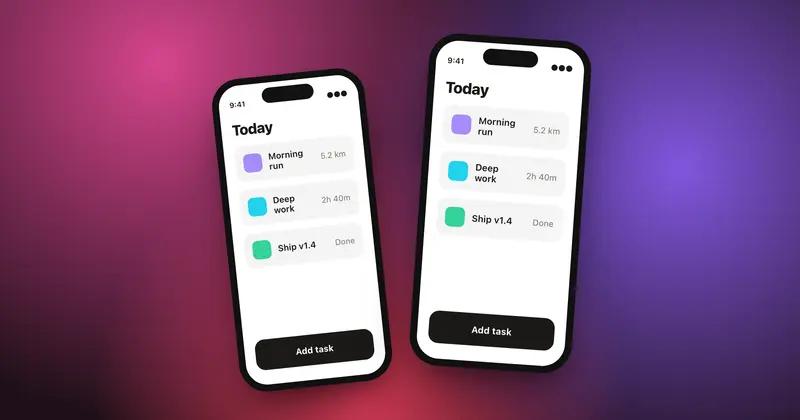
Put your app screenshot in an iPhone
Frame an app screenshot inside an iPhone, set the canvas to a vertical App Store size or a square X post, and export. Runs entirely in your browser.
Social
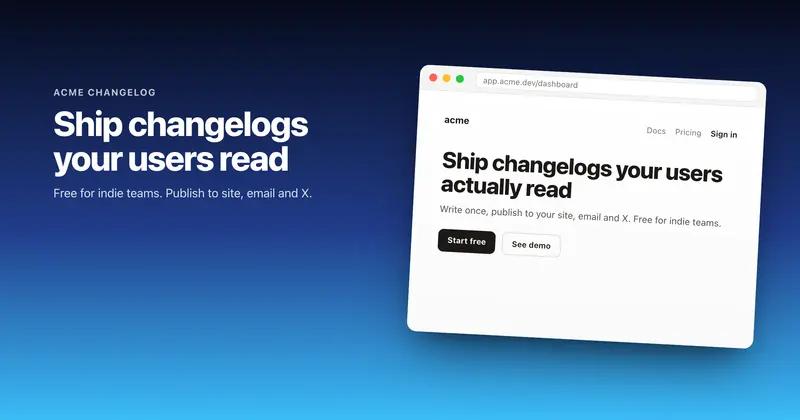
Make an OG image at 1200 by 630
Set the canvas to 1200x630, drop in a product screenshot, add a title, and export a PNG ready for Open Graph and Twitter cards.
Annotate
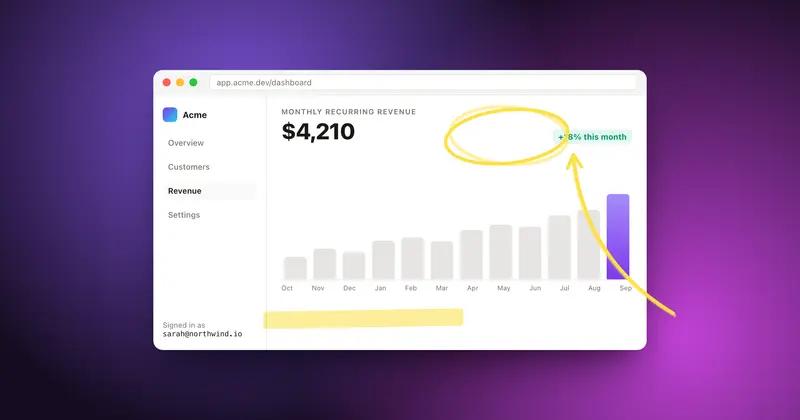
Annotate a screenshot with hand-drawn arrows
Draw arrows, underlines, highlight markers, and shapes on a screenshot with a hand-drawn look, then animate them so they draw themselves in a GIF or MP4.
Mockup
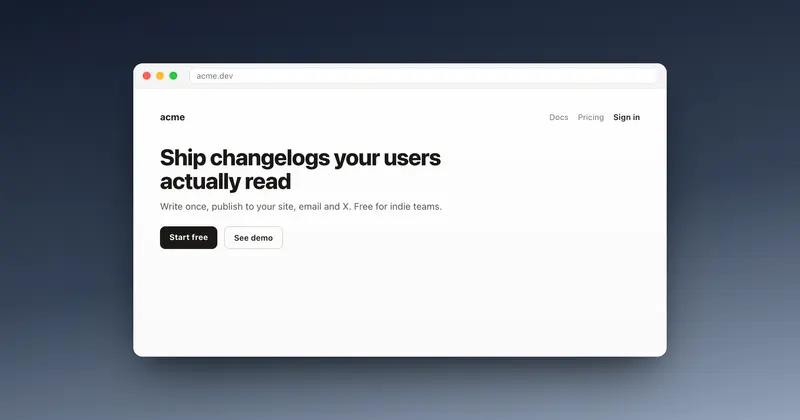
Wrap a screenshot in a browser window
Wrap a screenshot in a browser, macOS, or terminal window, light or dark, and get a landing-page-ready image without leaving your browser tab.
Motion
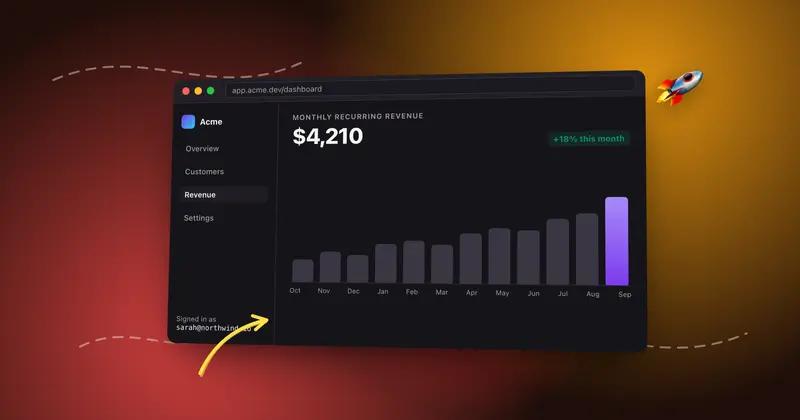
Make a screenshot mockup that moves
Build a screenshot mockup that moves: an animated background, annotations that draw themselves, animated stickers, exported as MP4 or GIF.
Not sure which one you need?
Start in the editor. Every tool on this page is a panel inside it.