
shots.so Alternative
shots.so covers static mockups well for free. Shotmesh adds motion and a privacy scan without a paywall.
shots.so is a good tool. This page is about which one fits your job.
shots.so is a genuinely useful free tool for static screenshot mockups. It has a wide range of device frames and the static side of the product costs nothing, which is rare in this category.
The catch is motion. shots.so's animated mockups, the motion presets and video export, sit on paid plans (the price isn't published clearly enough to state here). If all you need is a still image in a nice frame, that's not an issue. If you want your screenshot to move, you're paying. Shotmesh does static and animated (GIF, MP4) in the same free editor, plus a local privacy scan that shots.so doesn't have.
Both run in the browser with no install. The honest tradeoff is that shots.so's static tier is very mature and free, while Shotmesh bundles more into its free tier but is a younger, smaller product overall.
Strengths
Where each one wins
Where shots.so wins
- Free for static mockups with no watermark friction described
- Wide selection of device frames
- Established product with a large user base
- Motion presets are purpose-built when you do pay for them
Where Shotmesh wins
- Animated GIF and MP4 export included in the free flow (watermarked PNG on free tier)
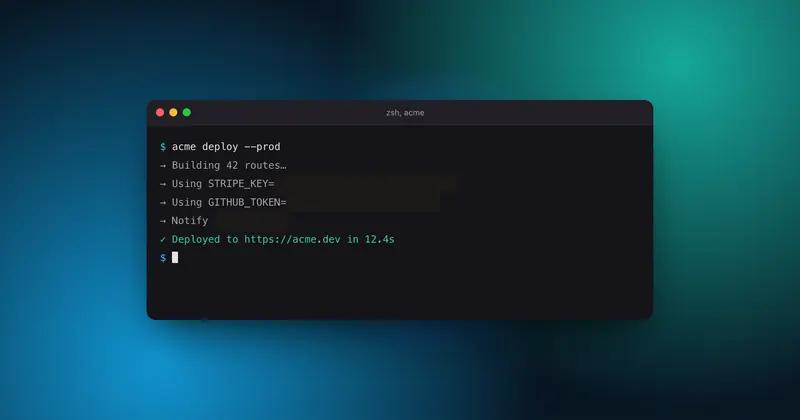
- Local privacy scan for emails, API keys, card numbers before you export
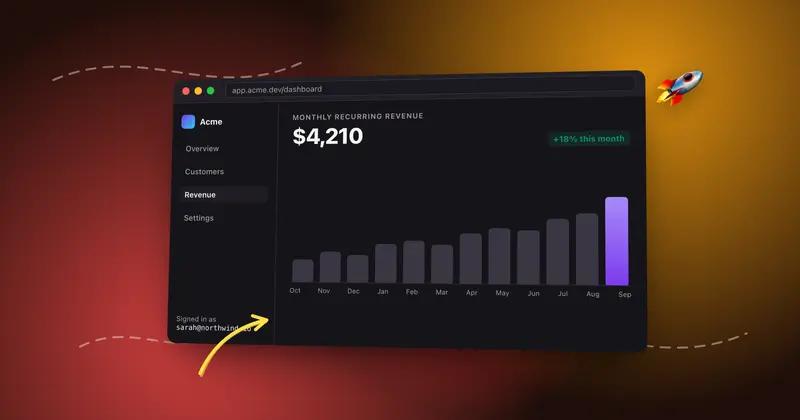
- Hand-drawn annotations that can animate themselves in exports
- 586 stickers plus noise, shadow, padding, and radius controls in one editor
Side by side
Shotmesh vs shots.so, feature by feature
| Feature | shots.so | Shotmesh |
|---|---|---|
| Runs in browser | Yes | Yes |
| Static mockups free | Yes | Yes, with watermark |
| Animated export | Paid plan only | Included, watermark removed on paid |
| Video (MP4) export | Paid plan only | Yes |
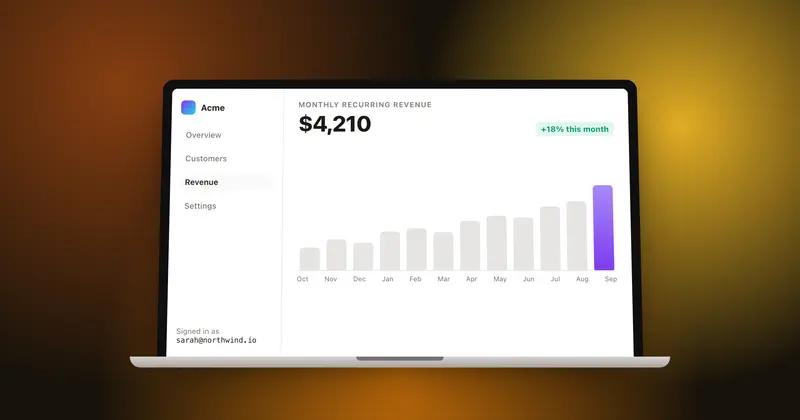
| Device frame variety | Wide selection | MacBook, iPhone, iPad, iMac, 3D tilt |
| Privacy scan for sensitive data | No | Yes, local OCR |
| Annotations (arrows, highlights) | Not a core feature | Hand-drawn, can animate |
| Gradient backgrounds | Basic set | 44 presets, editable per layer |
| Signup required | Not for basic use | No |
| Stickers | No | 586, incl. animated |
Pricing
shots.so: Free for static; paid plan for animated mockups and video export (price not published)
Shotmesh: Free for editing and PNG export (watermarked); paid plan removes watermark and unlocks premium exports
Best for
shots.so: Anyone who only needs static device mockups and wants a free, mature tool
Shotmesh: Makers who want to try animated exports without hitting a paywall first
FAQ
Questions people ask
Is shots.so completely free?
For static mockups, yes. Animated mockups with motion presets and video export require a paid plan, and the price for that isn't published clearly.
Can I make an animated screenshot for free with Shotmesh?
Yes. GIF and MP4 export are part of the free editor, the only limit on the free tier is a watermark on exports.
Does either tool check for sensitive data before I post?
Shotmesh has a local OCR privacy scan that flags emails, API keys, card numbers, and more so you can redact them. shots.so does not have this.
Which has more device frames?
shots.so has a wide device frame library. Shotmesh covers the common ones for social posts: MacBook, iPhone, iPad, iMac, plus 3D tilt.
Does Shotmesh upload my screenshot anywhere?
No, everything, editing and export, runs locally in your browser.
Try the difference
Tools people switch for
Judge it on your own screenshot
Paste one in. If the export is not better, keep what you use.