
Pika.style Alternative
Pika.style is a solid static mockup editor. Shotmesh adds animated exports and a local privacy scan, free.
Pika.style is a good tool. This page is about which one fits your job.
Pika.style is a well built web app for dressing up screenshots and mockups. It has a clean template system, brand color presets, and exports up to 4K, including WebP and SVG, which is more format range than most tools in this space bother with.
Where the two differ is motion and price. Pika is a paid product at its core, $13 a month or $150 a year for the Pro tier, and it does not do animated exports at all, everything comes out as a static image. Shotmesh runs the whole edit and export pipeline in the browser too, but it also renders animated GIF and MP4, and it scans your screenshot locally for things like API keys and emails before you post it.
If you already pay for Pika and only need static images, it does its job well. If you're posting on X and want a moving screenshot, or you just don't want a subscription for something you use a few times a week, Shotmesh is worth trying first.
Strengths
Where each one wins
Where Pika.style wins
- Polished template library with a lot of ready-made layouts
- Brand color presets for teams that want consistent output
- 4K export resolution
- Exports WebP and SVG, formats Shotmesh does not offer
Where Shotmesh wins
- Animated GIF and MP4 export, Pika has none
- Free tier includes full editing and PNG export, only a watermark is added
- Local privacy scan flags emails, API keys, card numbers before export
- No signup, no upload, paste and edit immediately
Side by side
Shotmesh vs Pika.style, feature by feature
| Feature | Pika.style | Shotmesh |
|---|---|---|
| Runs in browser | Yes | Yes |
| Requires signup | For paid features | No |
| Animated export (GIF/MP4) | No | Yes |
| Max export resolution | 4K | Canvas size, incl. 4K presets |
| Export formats | PNG, WebP, SVG | PNG, JPEG, GIF, MP4 |
| Privacy scan (redact emails/keys) | No | Yes, local OCR |
| Gradient/background presets | Templates and brand colors | 44 gradient presets, image/GIF/video backgrounds |
| Device mockups | Yes | MacBook, iPhone, iPad, iMac, 3D tilt |
| Free tier | Limited, not fully documented | Full editing, PNG export with watermark |
| Watermark on free plan | Custom watermark option on paid | "Designed in Shotmesh.com" |
Pricing
Pika.style: $13/month or $150/year (Pro), free tier with unverified limits
Shotmesh: Free for editing and PNG export (watermarked); paid plan removes watermark and unlocks premium exports
Best for
Pika.style: Teams that want a template library and 4K static exports without touching animation
Shotmesh: Indie hackers who want a moving screenshot for X, plus a privacy check, without a subscription
FAQ
Questions people ask
Does Pika.style have a free plan?
Pika has a free tier, but its exact limits aren't published clearly, so treat it as a trial rather than a full free tool. Shotmesh's free tier includes full editing and PNG export with a watermark.
Can Pika.style export animated GIFs or videos?
No, Pika is a static image editor. If you want an animated screenshot for a tweet, Shotmesh exports GIF (kept under X's 15MB limit automatically) and MP4.
Which one scans for sensitive data before export?
Shotmesh runs a local OCR privacy scan that flags emails, API keys, card numbers, and more, grouped by type, so you can blur or black-bar them before sharing. Pika doesn't have this.
Is Shotmesh as polished as Pika.style's templates?
Shotmesh leans on 44 editable gradient presets plus frames and device mockups rather than fixed templates. It's less "pick a template" and more "build the look," which some people prefer and others don't.
Do I need to sign up to use Shotmesh?
No. Paste a screenshot and start editing immediately, nothing uploads to a server.
Try the difference
Tools people switch for
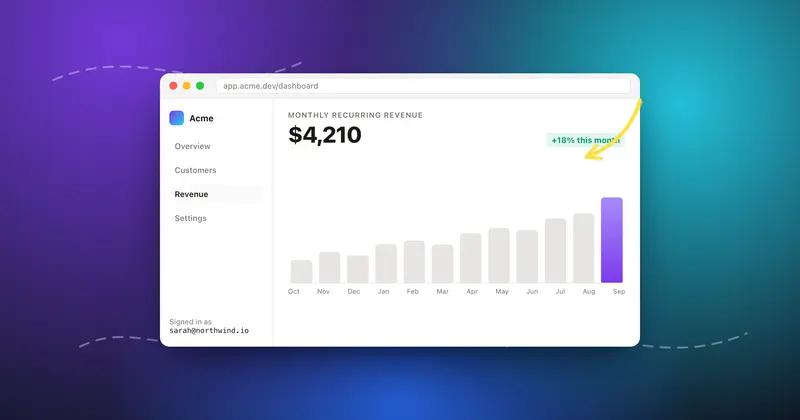
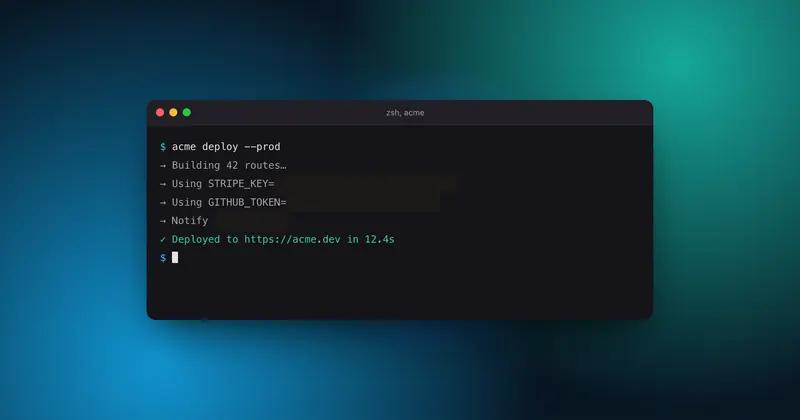
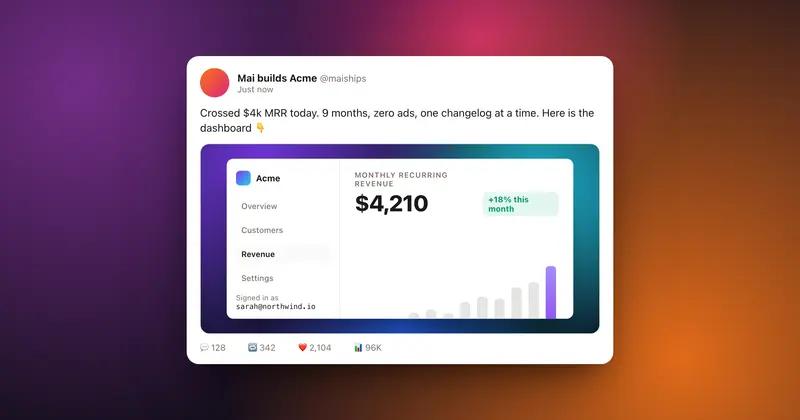
Judge it on your own screenshot
Paste one in. If the export is not better, keep what you use.