
CleanShot X Alternative
CleanShot X does far more for capture and recording. Shotmesh focuses narrowly on making a screenshot look good for a post.
CleanShot X is a good tool. This page is about which one fits your job.
CleanShot X is a genuinely comprehensive tool: screenshot capture, scrolling capture, annotations, screen recording, GIF recording, cloud sharing links, and OCR, all in one native Mac app, one-time purchase starting at $29. If you need a full capture and recording toolkit, it's one of the most complete options on Mac, and it's not really trying to be a social-image styling tool, that's just one small part of what it can do.
That breadth is also the honest contrast: CleanShot X is Mac only, and it's not focused on styled backgrounds for social posts specifically, annotations and basic markup are there, but gradient mesh backgrounds, device mockups, and animated export for platforms like X aren't its focus. Shotmesh is the opposite shape: it doesn't capture anything, no scrolling capture, no screen recording, no cloud links, no general OCR. It runs in any browser and does one thing, take a screenshot you already have and make it look good, including motion, mockups, and a privacy scan aimed specifically at sharing safely.
If you need capture, recording, and general workflow tools on Mac, CleanShot X covers ground Shotmesh doesn't touch. If you're on Windows, or you just need to style and privacy-check a screenshot for a post without a native app, Shotmesh is built for exactly that narrower job.
Strengths
Where each one wins
Where CleanShot X wins
- Full capture toolkit: screenshot, scrolling capture, screen recording, GIF recording
- Cloud sharing links built in
- General-purpose OCR
- One-time purchase starting at $29, no subscription
Where Shotmesh wins
- Runs on Windows and any browser, not Mac-only
- 44 gradient mesh presets and device mockups (MacBook, iPhone, iPad, iMac) built for social-post styling
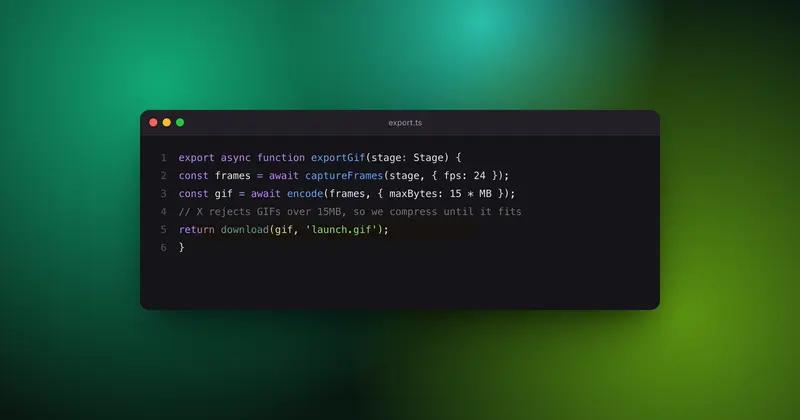
- Animated GIF and MP4 export, CleanShot X isn't built around this
- Privacy scan aimed specifically at redacting emails, API keys, card numbers before you post publicly
Side by side
Shotmesh vs CleanShot X, feature by feature
| Feature | CleanShot X | Shotmesh |
|---|---|---|
| Platform | macOS only (native app) | Any browser: Mac, Windows, Linux, iPad |
| Screenshot/scrolling capture | Yes | No, paste an existing screenshot |
| Screen recording, GIF recording | Yes | No |
| Cloud sharing links | Yes | No |
| General OCR | Yes | OCR focused on privacy scanning (emails, keys, cards, etc.) |
| Gradient mesh backgrounds | Not a focus | 44 presets, editable per layer |
| Device mockups | Not a focus | MacBook, iPhone, iPad, iMac, 3D tilt |
| Animated export for social (GIF/MP4) | GIF recording of screen, not styled exports | Yes, styled GIF and MP4 export |
| Pricing model | One-time purchase, starts at $29 | Free tier + paid plan for watermark removal |
| Signup required | For purchase/license | No |
Pricing
CleanShot X: One-time purchase starting at $29
Shotmesh: Free for editing and PNG export (watermarked); paid plan removes watermark and unlocks premium exports
Best for
CleanShot X: Mac users who need a full capture, recording, and sharing toolkit for daily workflow
Shotmesh: Windows or browser-first users who need to style a screenshot for a social post, not capture or record one
FAQ
Questions people ask
Does Shotmesh replace CleanShot X's capture and recording features?
No. Shotmesh doesn't capture screenshots, record screen video, or create sharing links. It only styles a screenshot you already have. For capture and recording, CleanShot X does far more.
Is CleanShot X available on Windows?
No, it's a native macOS app only. Shotmesh runs in any browser on Windows, Mac, Linux, or iPad.
Which one is better for making a screenshot look good for X or a landing page?
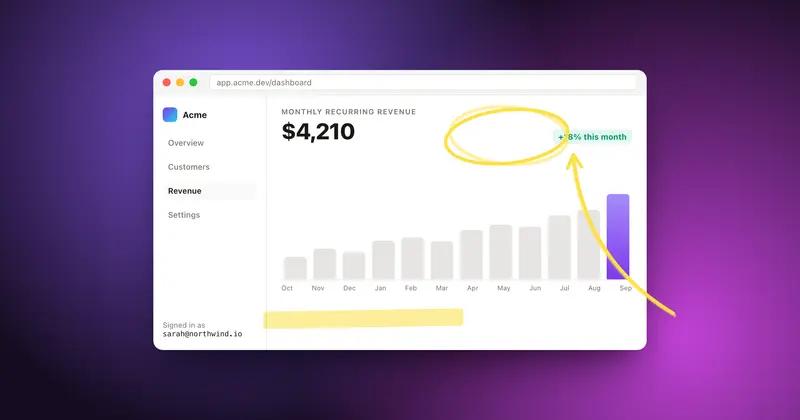
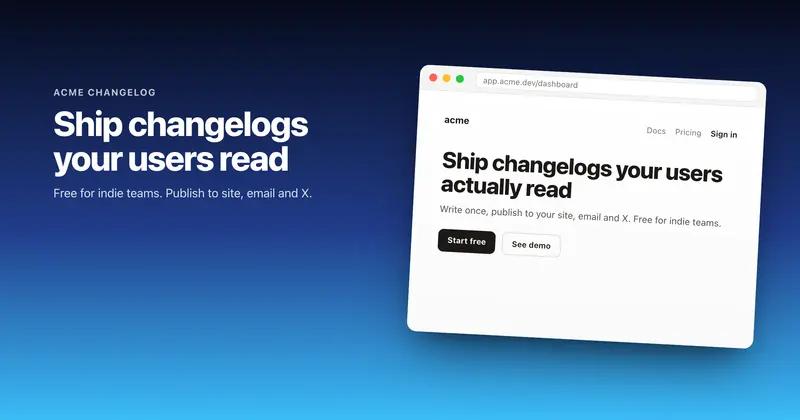
Shotmesh is built specifically for that: gradient mesh backgrounds, device mockups, annotations, stickers, and animated export. CleanShot X's annotation tools are more general-purpose and not focused on social styling.
Does CleanShot X have a privacy or redaction feature?
It includes general OCR, but not a dedicated scan that groups sensitive data by type for redaction the way Shotmesh's privacy scan does.
Is CleanShot X a subscription?
No, it's a one-time purchase starting at $29.
Try the difference
Tools people switch for
Judge it on your own screenshot
Paste one in. If the export is not better, keep what you use.