
Make an OG image at 1200 by 630
Set the canvas to 1200x630, drop in a product screenshot, add a title, and export a PNG ready for Open Graph and Twitter cards.
Free. No signup. Paste with ⌘V and start. Your screenshot stays in your browser.
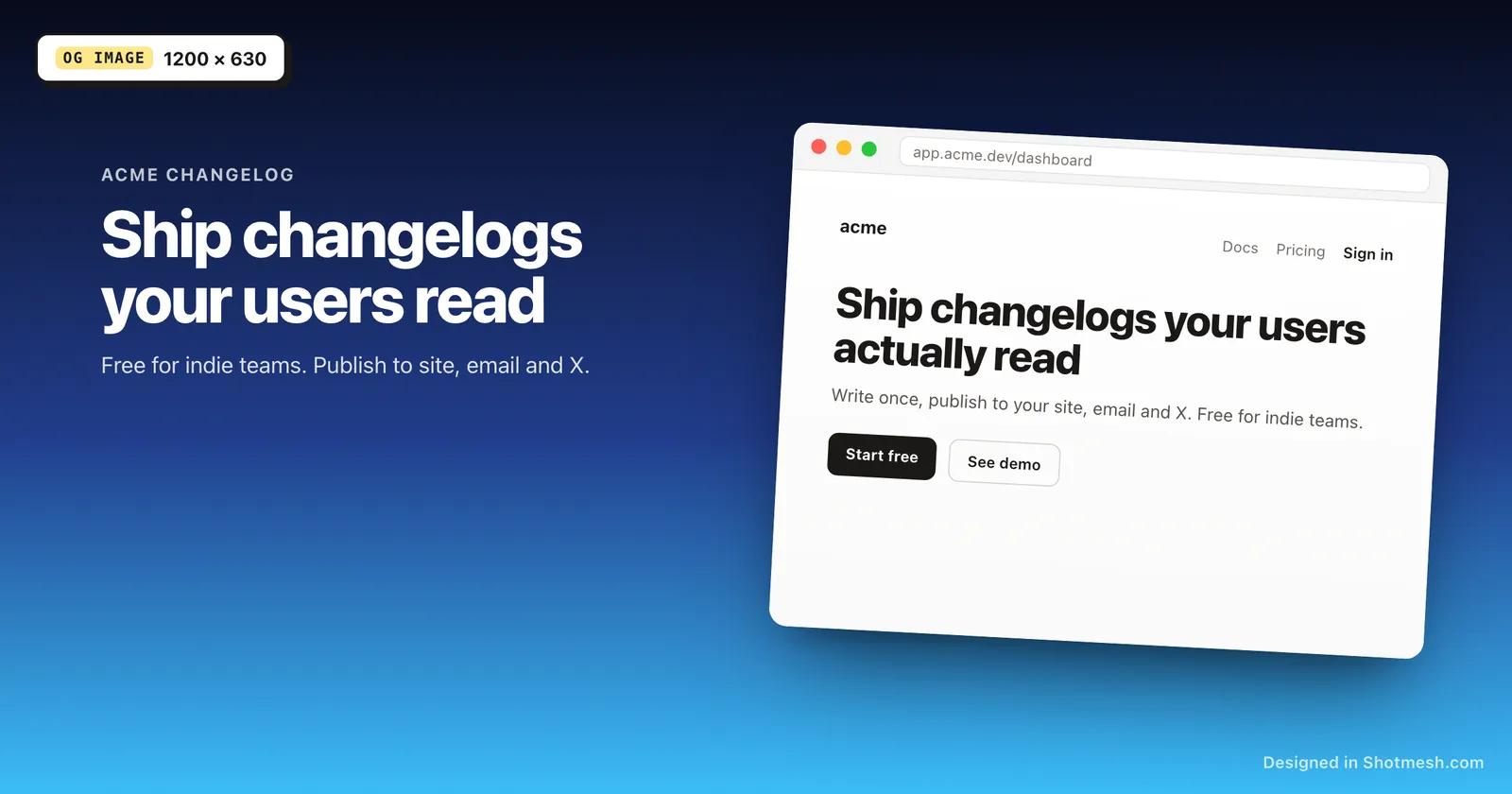
An OG image is what shows up when a link gets shared on X, Slack, or anywhere else that reads Open Graph tags, and a plain screenshot rarely fills that space well. Shotmesh has a 1200x630 canvas preset built in, so the size is already correct for Open Graph and Twitter card previews.
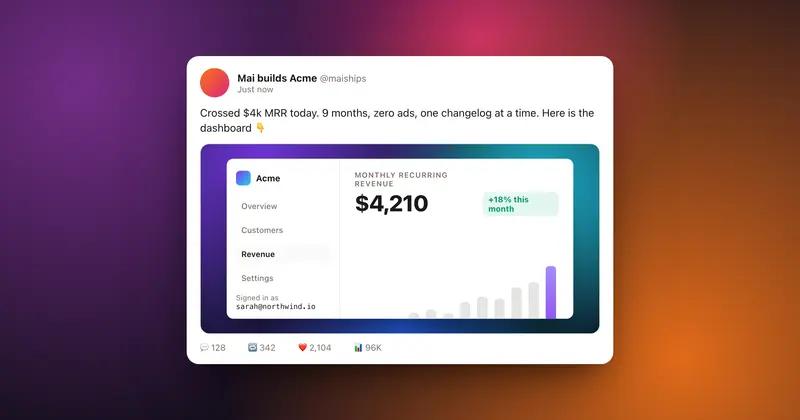
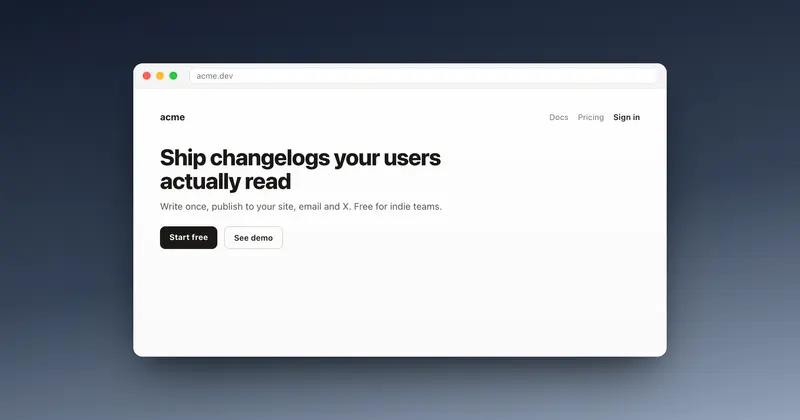
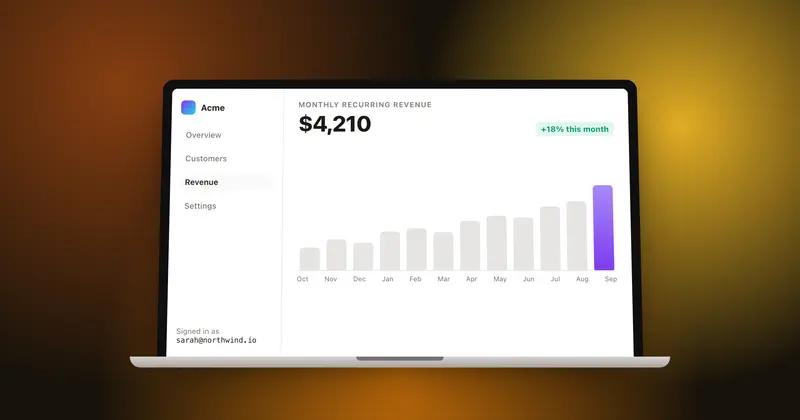
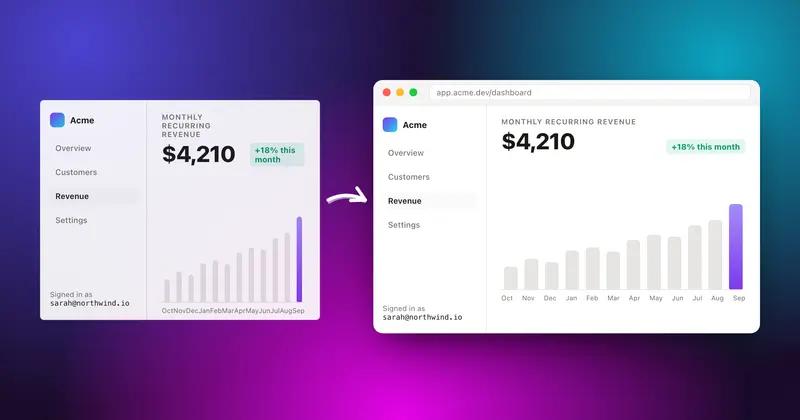
Place your product screenshot on one of the 44 gradient presets, an image background, or an animated one if the surface you're targeting supports video. Add a title as text over the composition, adjust padding and shadow so the screenshot doesn't touch the edges, and use a window frame if you want it to look like a real app or browser window instead of a bare screenshot.
Export as PNG for the og:image and twitter:image tags on your site. Editing and PNG export are free; Pro only comes in if you want the watermark removed or need the other export formats for a different use of the same design.
How it works
How to make an OG image at 1200 by 630
- 01
Set the canvas to 1200x630
Pick the OG image size from the canvas presets so the export matches what Open Graph and Twitter cards expect.
- 02
Add your screenshot
Paste or drop the product screenshot you want featured. Frame it in a browser or macOS window if you want that context.
- 03
Add a background and a title
Choose a gradient from the 44 presets, then add title text over the composition.
- 04
Export as PNG
Save the file and use it as your og:image and twitter:image. Rendering happens in the browser.
Why Shotmesh
What you get that a plain crop does not
Correct size by default
The 1200x630 preset removes the guesswork on Open Graph dimensions, so the image doesn't get cropped oddly when a link is shared.
Looks like a real product, not a raw screenshot
Window frames and gradient backgrounds turn a flat capture into something that reads as a finished product shot in a link preview.
Free and fast
There's no account needed to design and export the PNG, so an OG image can go from screenshot to finished file in one browser tab.
FAQ
Questions people ask
What size should an OG image be?
1200x630 pixels is the standard Open Graph and Twitter card size, and it's available as a canvas preset in Shotmesh.
Can I add text to the OG image?
Yes, add a title or any text layer on top of the screenshot and background before exporting.
Is the OG image generator free?
Yes, building and exporting the PNG is free. The free export has a small watermark, removed on Pro.
Can I use a window frame around the screenshot in my OG image?
Yes, macOS, browser, or terminal chrome all work as a frame around the screenshot before you add the background.
Does this work for Twitter card images too?
Yes, the same 1200x630 PNG works for both Open Graph and Twitter's summary_large_image card.
Try it on a real screenshot
Paste from your clipboard and you are editing in under a second.