
Screenhance Alternative
Screenhance covers motion and recording polish well. Shotmesh keeps the static path free and adds a privacy scan.
Screenhance is a good tool. This page is about which one fits your job.
Screenhance does more than most tools in this space: animated mockups with entrance, float, and parallax/scroll motion, and it also polishes screen recordings, which is outside what Shotmesh does. That's a real strength if you're producing demo-style content, not just single screenshots.
The pricing structure is layered. The free plan gives you watermarked static exports. A $6 seven-day "Launch Pass" unlocks ten clean static exports, useful for a launch week but temporary. Full Pro, at $12 a month or $99 a year, unlocks GIF and video export. Shotmesh takes a simpler shape: one free tier with full editing and PNG export, watermark included, and GIF/MP4 export are part of the same editor, not a separate unlock.
If you're polishing screen recordings or want specific motion presets like parallax scroll, Screenhance's feature set goes further there. If you mainly need a clean static or animated screenshot for a tweet without working through a pass-then-subscribe pricing ladder, Shotmesh is the more direct route.
Strengths
Where each one wins
Where Screenhance wins
- Motion presets beyond basic animation: entrance, float, parallax, scroll
- Also polishes screen recordings, not just static screenshots
- Launch Pass option for a short burst of clean exports without a full subscription
- Established free plan for watermarked static exports
Where Shotmesh wins
- One free tier, no separate pass needed for extra exports
- GIF and MP4 export live in the same free editor as static export
- Local privacy scan for emails, API keys, card numbers before export
- 44 gradient presets editable layer by layer, plus image/GIF/video backgrounds
Side by side
Shotmesh vs Screenhance, feature by feature
| Feature | Screenhance | Shotmesh |
|---|---|---|
| Runs in browser | Yes | Yes |
| Free plan | Watermarked static exports | Full editing, watermarked PNG export |
| Clean static exports without subscribing | $6 Launch Pass (7 days, 10 exports) | Requires paid plan to remove watermark |
| GIF/video export | Pro plan, $12/mo or $99/yr | Included in free editor |
| Motion presets | Entrance, float, parallax, scroll | Animated backgrounds and self-drawing annotations |
| Screen recording polish | Yes | No, static input only |
| Privacy scan for sensitive data | No | Yes, local OCR |
| Device mockups | Yes | MacBook, iPhone, iPad, iMac, 3D tilt |
| Signup required | Yes, for account/plan | No |
| Stickers | Not a core feature | 586, incl. animated |
Pricing
Screenhance: Free (watermarked static); $6 Launch Pass for 10 clean static exports (7 days); Pro $12/month or $99/year for GIF/video
Shotmesh: Free for editing and PNG export (watermarked); paid plan removes watermark and unlocks premium exports
Best for
Screenhance: Creators who also need to polish screen recordings and want specific motion presets
Shotmesh: Makers who want a simple, single free tier covering static and animated exports
FAQ
Questions people ask
Does Screenhance's free plan include animated export?
No, the free plan gives watermarked static exports. GIF and video export require the Pro plan at $12/month or $99/year.
What is Screenhance's Launch Pass?
It's a $6, seven-day pass that gives ten clean (non-watermarked) static exports, aimed at a launch week rather than ongoing use.
Can Shotmesh polish an existing screen recording?
No, Shotmesh works on static screenshots as input. If you need to enhance a screen recording itself, Screenhance covers that.
Is animated export free on Shotmesh?
Yes, GIF and MP4 export are part of the free editor. The free tier adds a watermark; a paid plan removes it.
Does Shotmesh check for sensitive info before export?
Yes, a local OCR privacy scan flags emails, API keys, card numbers, and more, grouped by type, so you can blur or redact them first.
Try the difference
Tools people switch for
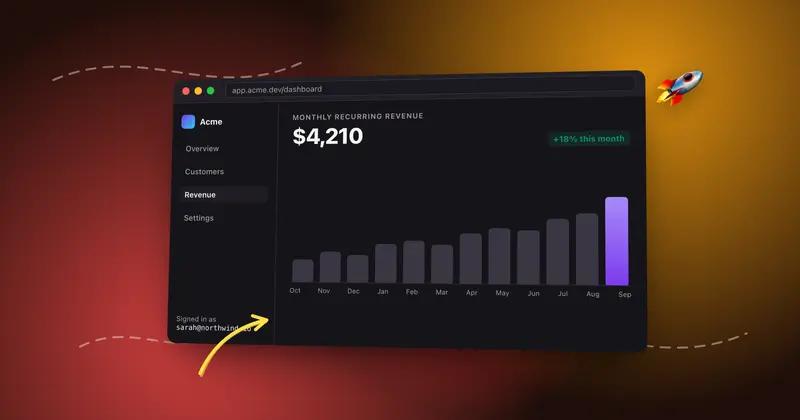
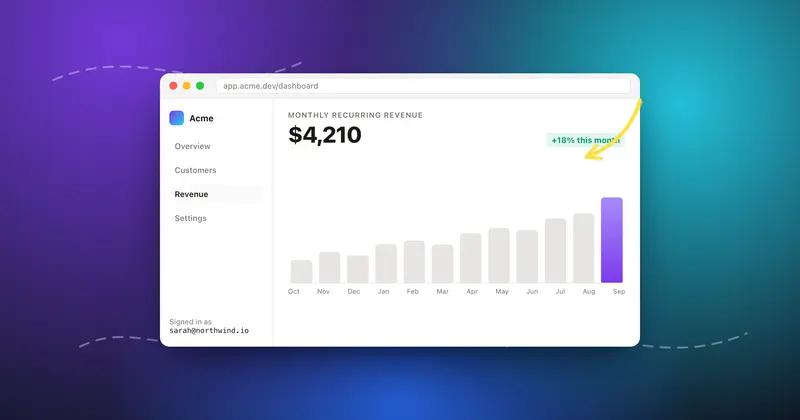
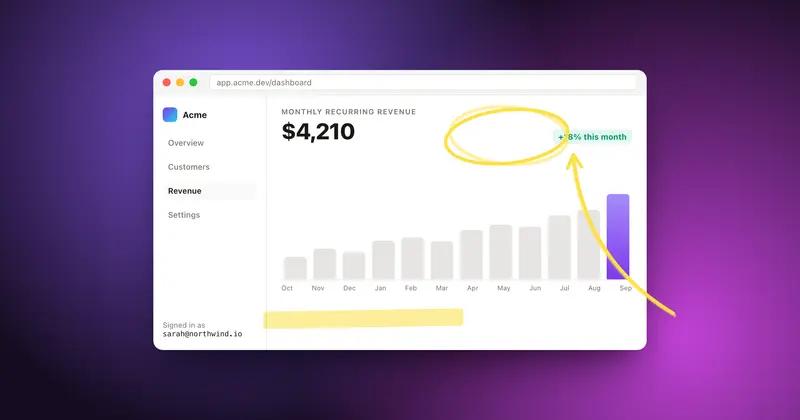
Judge it on your own screenshot
Paste one in. If the export is not better, keep what you use.