
Xnapper Alternative
Xnapper is Mac-only and captures your screen in about two seconds. Shotmesh runs anywhere but you paste an image yourself.
Xnapper is a good tool. This page is about which one fits your job.
Xnapper is a genuinely fast native Mac app. Hit a hotkey, it captures your screen in about two seconds with automatic balanced padding, a nice background, and a rounded frame already applied, plus built-in auto-redaction of emails, API keys, and card numbers. It's a one-time purchase, and there's also "Xnapper Studio," a web tool for mockups. If you're on a Mac and want the fastest possible path from screen to styled screenshot, it's hard to beat.
The honest limitation is the platform: Xnapper is Mac only. If you're on Windows or Linux, or you just don't want to install a native app, you're out of luck with Xnapper itself, though Xnapper Studio's web mockup tool is an option. Shotmesh runs in any browser on Mac, Windows, Linux, or iPad, but it's worth being upfront: Shotmesh does not capture your screen. There's no hotkey capture, no automatic screenshot taking. You take the screenshot with your OS's own tool (or paste one you already have), then paste it into Shotmesh to style it.
So this isn't a like-for-like swap. If capture speed and Mac-native workflow matter most, Xnapper wins outright. If you're on Windows or Linux and need to style a screenshot you already have, including checking it for sensitive info, Shotmesh is a real option that Xnapper's core app can't offer you.
Strengths
Where each one wins
Where Xnapper wins
- Hotkey screen capture in about two seconds, no manual paste step
- Automatic balanced padding and framing applied on capture
- Built-in auto-redaction of emails, API keys, card numbers
- One-time purchase, no subscription
Where Shotmesh wins
- Runs on Windows, Linux, and iPad, not just Mac
- No install, no purchase to start, paste and edit in the browser
- 586 stickers, animated backgrounds, and MP4/GIF export beyond Xnapper's static output
- Privacy scan groups findings by type (emails, keys, cards, phone numbers, handles) for one-by-one review before export
Side by side
Shotmesh vs Xnapper, feature by feature
| Feature | Xnapper | Shotmesh |
|---|---|---|
| Platform | macOS only (native app) | Any browser: Mac, Windows, Linux, iPad |
| Screen capture (hotkey) | Yes, about 2 seconds | No, paste an existing screenshot |
| Auto-applied padding/background on capture | Yes | Manual, but fast to apply |
| Redaction of sensitive data | Automatic on capture | Local OCR scan, grouped by type, you choose what to redact |
| Animated export (GIF/MP4) | No, static only | Yes |
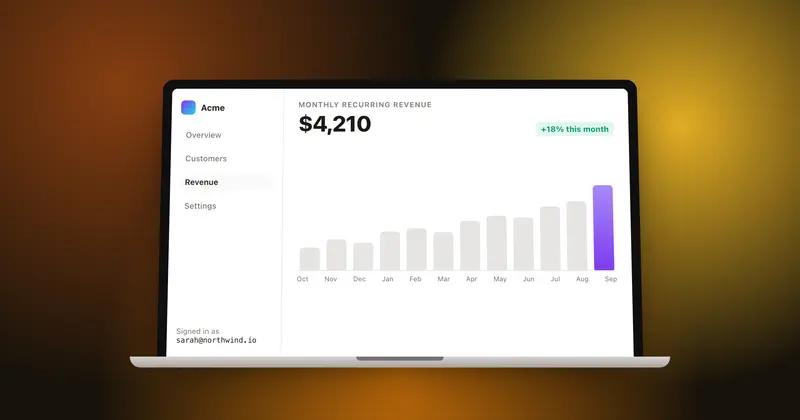
| Device mockups | Via Xnapper Studio (web) | MacBook, iPhone, iPad, iMac, 3D tilt |
| Pricing model | One-time purchase | Free tier + paid plan for watermark removal |
| Signup required | For purchase/license | No |
| Gradient backgrounds | Built-in set | 44 presets, editable per layer |
| Stickers/annotations | Not a core feature | 586 stickers, hand-drawn annotations |
Pricing
Xnapper: One-time purchase (price not stated here)
Shotmesh: Free for editing and PNG export (watermarked); paid plan removes watermark and unlocks premium exports
Best for
Xnapper: Mac users who want the fastest hotkey-to-styled-screenshot workflow with automatic redaction
Shotmesh: Windows, Linux, or iPad users who need to style and privacy-check a screenshot they already have
FAQ
Questions people ask
Does Shotmesh capture my screen like Xnapper?
No. Shotmesh does not have a hotkey capture feature. You take the screenshot yourself (with your OS tool) or paste one you already have, then style it in Shotmesh.
Is there a version of Xnapper for Windows or Linux?
The core Xnapper app is Mac only. Xnapper Studio, its web tool for mockups, is available in the browser, but the fast hotkey capture is a Mac-native feature.
Which one redacts sensitive info automatically?
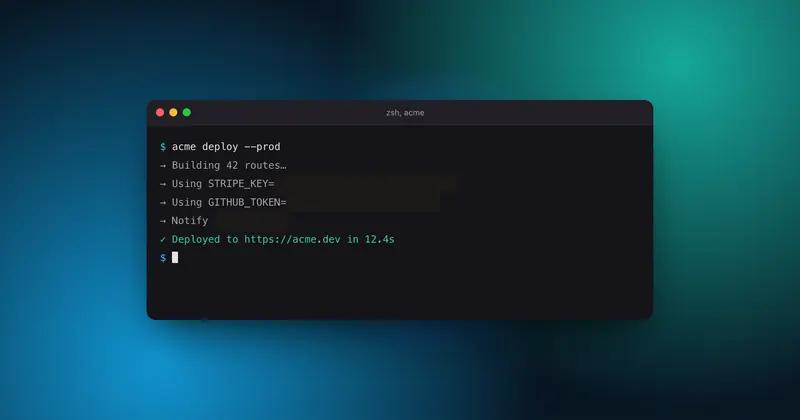
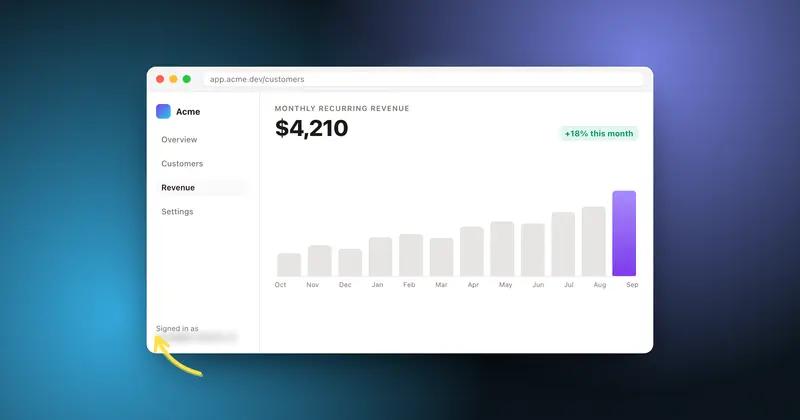
Xnapper applies auto-redaction of emails, API keys, and card numbers automatically on capture. Shotmesh runs a local OCR scan and groups findings by type so you review and choose what to blur, pixelate, or black-bar.
Can Shotmesh make animated screenshots like a GIF for X?
Yes, Shotmesh exports animated GIF (auto-sized under X's 15MB limit) and MP4. Xnapper's core app outputs static images.
Is Xnapper a subscription?
No, it's a one-time purchase.
Try the difference
Tools people switch for
Judge it on your own screenshot
Paste one in. If the export is not better, keep what you use.