
Make a screenshot mockup that moves
Build a screenshot mockup that moves: an animated background, annotations that draw themselves, animated stickers, exported as MP4 or GIF.
Free. No signup. Paste with ⌘V and start. Your screenshot stays in your browser.
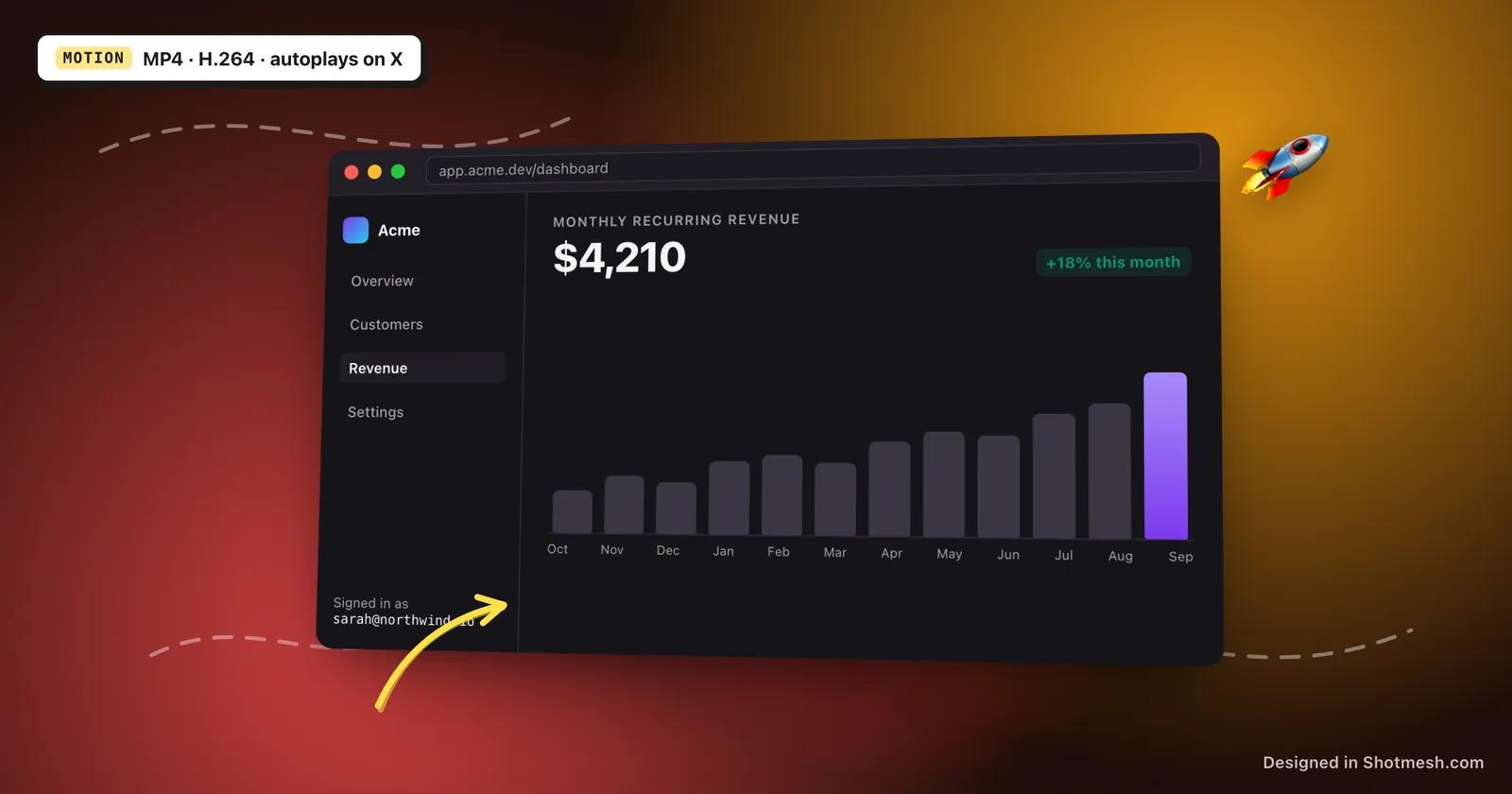
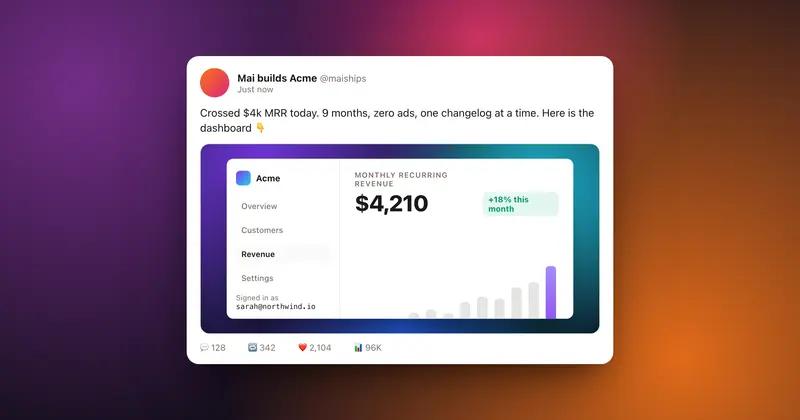
A static screenshot competes for attention in an X feed with everything else that's static; a mockup that moves for a second or two holds attention longer without needing video footage of an actual product. Shotmesh builds that motion out of the same editor used for static exports, still with no upload and no signup.
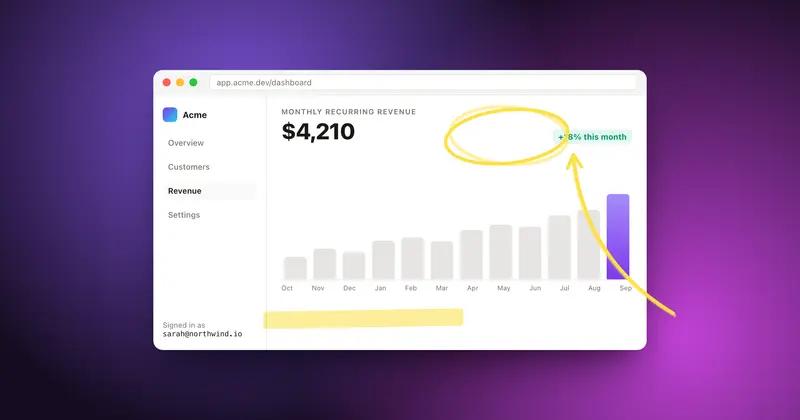
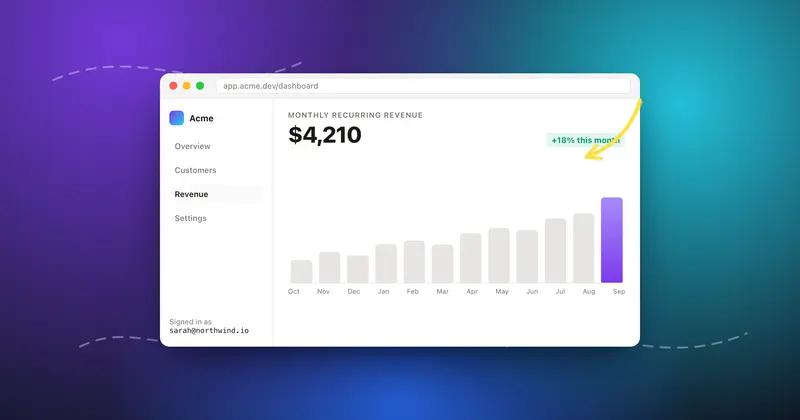
The background can be an animated mesh gradient or a GIF or video background instead of a static one. Annotations, arrows, underlines, highlights, drawn with the rough.js hand-drawn style, can animate onto the screenshot instead of appearing instantly, and stickers from the library of 586 can be animated ones as well.
Export as MP4 (H.264), which autoplays on X and keeps file size down, or as GIF when a platform specifically needs one; GIF exports are auto-compressed to stay under X's 15MB upload limit. Editing is free; Pro removes the watermark and unlocks the animated export formats.
How it works
How to make a screenshot mockup that moves
- 01
Add your screenshot
Paste or drop the image you're launching with. It's placed in the editor immediately.
- 02
Turn on motion
Switch the background to an animated mesh gradient or a GIF or video, and set any annotations to draw themselves in.
- 03
Add animated stickers if you want them
Pick from the animated stickers in the library to add more movement around the screenshot.
- 04
Export as MP4 or GIF
MP4 (H.264) autoplays on X; GIF is auto-compressed to stay under the 15MB upload limit. Both render locally.
Why Shotmesh
What you get that a plain crop does not
Built for launch-day posts
Motion holds attention in a feed longer than a static image, and the export formats are chosen specifically to work on X.
Stays under X's limits without extra work
H.264 MP4 export autoplays on X, and GIF exports are auto-compressed to fit under the 15MB upload limit automatically.
Still free to build
Animating the background, annotations, and stickers is part of the free editor. Pro is only needed for the animated exports themselves and to remove the watermark.
FAQ
Questions people ask
What export formats does the animated mockup support?
MP4 using H.264, and animated GIF, auto-compressed to stay under X's 15MB upload limit.
Will the MP4 autoplay on X?
Yes, H.264 MP4 is the format X autoplays in the feed.
Can annotations animate along with the background?
Yes, arrows, underlines, and highlights can draw themselves onto the screenshot in an animated export, on top of an animated background.
Are animated stickers included?
Yes, the sticker library of 586 includes animated ones alongside static stickers and emoji.
Is building an animated mockup free?
Editing and setting up the animation is free. Exporting as MP4 or GIF and removing the watermark require Pro.
Try it on a real screenshot
Paste from your clipboard and you are editing in under a second.