
PimpMySnap Alternative
PimpMySnap and Shotmesh solve a similar problem. Here's where they actually differ.
PimpMySnap is a good tool. This page is about which one fits your job.
PimpMySnap is a small, focused solo project and it does the job it sets out to do: pull in a background from the Giphy library, add stickers, and export a livelier screenshot. It's free with a watermark, and its paid tier has historically been cheap, $3.99 a month with a $29 lifetime option at one point, though the founder has since moved toward yearly pricing.
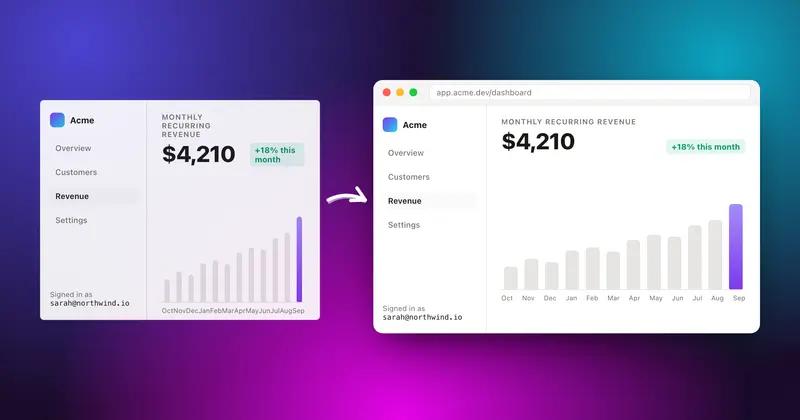
The two tools are close in concept, both exist to make a plain screenshot feel more alive for a social post. The difference is in the backgrounds and what happens after the image looks good. PimpMySnap leans on Giphy for motion; Shotmesh uses 44 editable gradient mesh presets plus your own image, GIF, or video as a background, and layers are editable individually. Shotmesh also runs a local privacy scan, which isn't part of what PimpMySnap does, since it's focused on the visual side, not redaction.
If you like pulling a Giphy clip as a background and want a cheap, simple tool, PimpMySnap is a fair pick, and it deserves credit for being small and doing one thing without a lot of extra weight. If you want more control over the background itself, MP4 export, or a privacy check before you post, Shotmesh covers that.
Strengths
Where each one wins
Where PimpMySnap wins
- Direct access to the Giphy library for animated backgrounds
- Historically cheap paid tier, and lifetime pricing existed at one point
- Simple, focused scope, easy to pick up
- Free tier with watermark to try before paying
Where Shotmesh wins
- 44 gradient mesh presets, editable layer by layer, plus image/GIF/video backgrounds
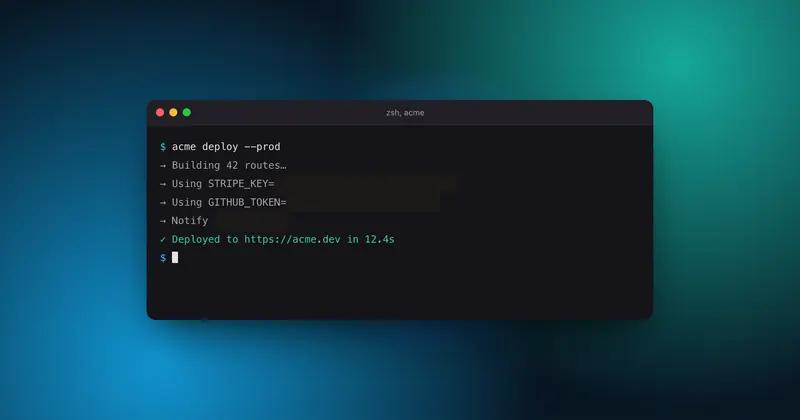
- Local privacy scan for emails, API keys, card numbers, and more before export
- MP4 export in addition to GIF
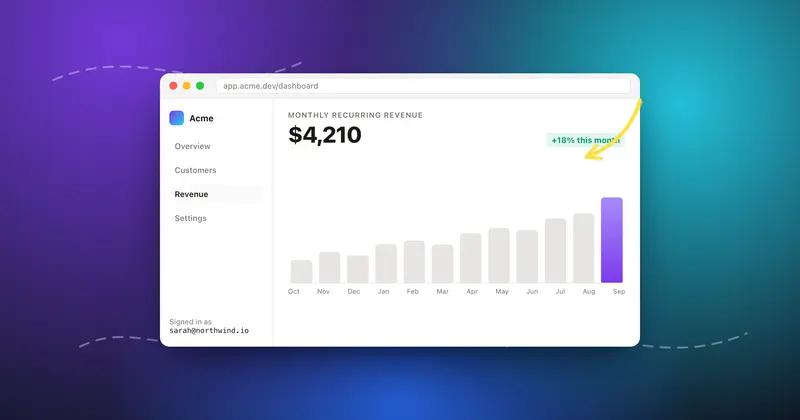
- Hand-drawn annotations that can animate themselves
Side by side
Shotmesh vs PimpMySnap, feature by feature
| Feature | PimpMySnap | Shotmesh |
|---|---|---|
| Runs in browser | Yes | Yes |
| Animated backgrounds | Giphy library | Image, GIF, or video, plus 44 gradient presets |
| Gradient backgrounds editable per layer | No | Yes |
| Stickers | Yes | 586, incl. animated |
| Privacy scan for sensitive data | No | Yes, local OCR |
| Video export (MP4) | Not documented | Yes, H.264 |
| GIF export | Yes | Yes, auto-sized under X's 15MB limit |
| Device mockups | Not a focus | MacBook, iPhone, iPad, iMac, 3D tilt |
| Free tier | Yes, with watermark | Yes, with watermark |
| Lifetime pricing | Existed historically, moving to yearly | Not offered |
Pricing
PimpMySnap: Free with watermark; $3.99/month (historically $29 lifetime, founder moving to yearly)
Shotmesh: Free for editing and PNG export (watermarked); paid plan removes watermark and unlocks premium exports
Best for
PimpMySnap: Someone who wants a Giphy clip as a background and a cheap, no-frills tool
Shotmesh: Makers who want editable gradient backgrounds, MP4 export, and a privacy check before posting
FAQ
Questions people ask
How is Shotmesh different from PimpMySnap if both animate screenshots?
PimpMySnap pulls animated backgrounds from Giphy. Shotmesh gives you 44 editable gradient mesh presets plus your own image, GIF, or video, and adds a local privacy scan and MP4 export that PimpMySnap doesn't have.
Is PimpMySnap still offering lifetime pricing?
It existed historically at $29, but the founder has been moving the product toward yearly pricing, so check the current offer on their site.
Does PimpMySnap have a privacy or redaction tool?
No, it's focused on visual backgrounds and stickers, not on scanning for sensitive data. Shotmesh's local OCR scan flags emails, API keys, card numbers, and more.
Can Shotmesh use a Giphy GIF as a background too?
You can bring in your own GIF or video as a background layer. Shotmesh doesn't integrate directly with Giphy's library the way PimpMySnap does.
Which one is free to try?
Both have a free tier with a watermark on exports.
Try the difference
Tools people switch for
Judge it on your own screenshot
Paste one in. If the export is not better, keep what you use.