
Wrap a screenshot in a browser window
Wrap a screenshot in a browser, macOS, or terminal window, light or dark, and get a landing-page-ready image without leaving your browser tab.
Free. No signup. Paste with ⌘V and start. Your screenshot stays in your browser.
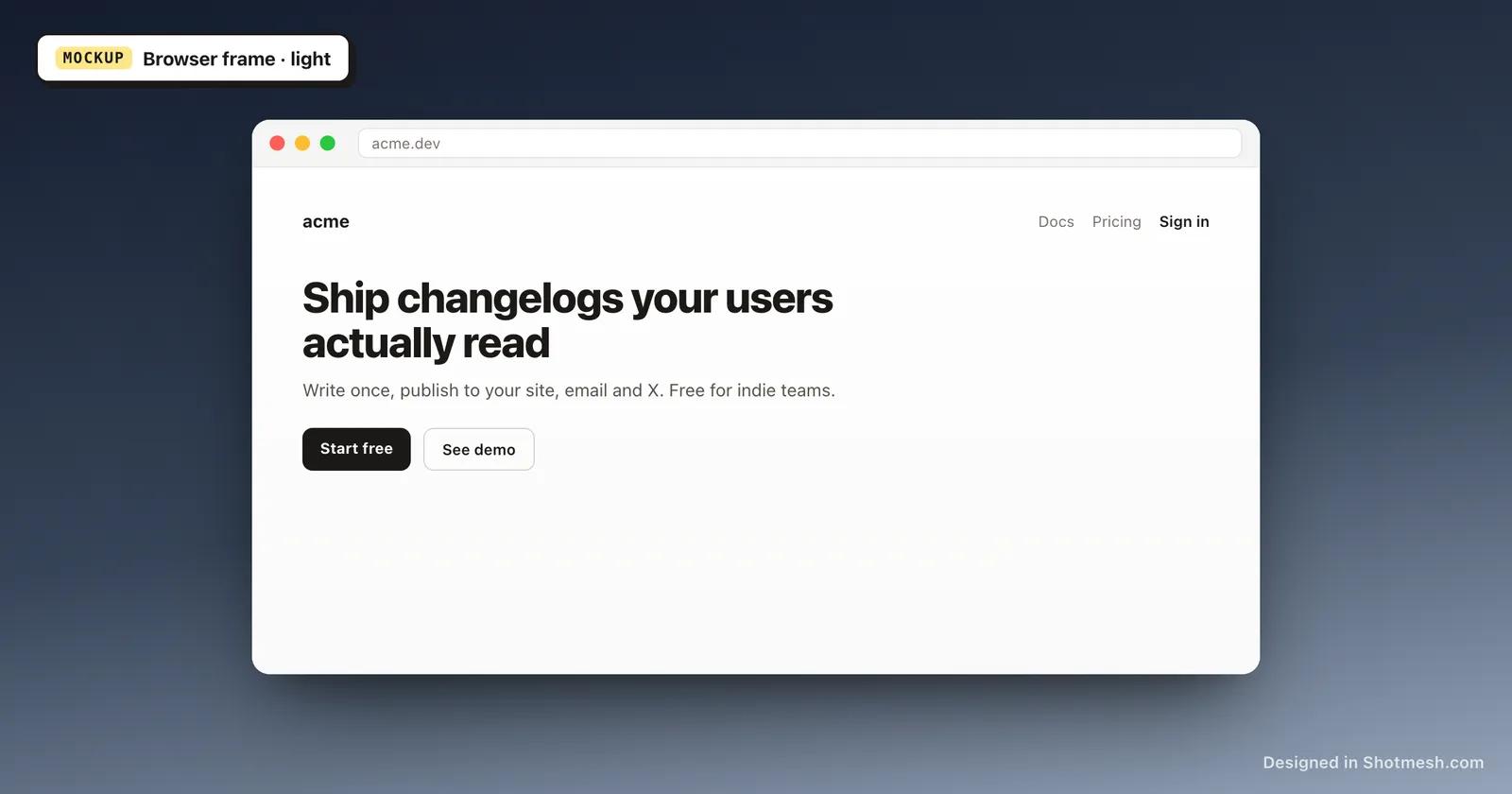
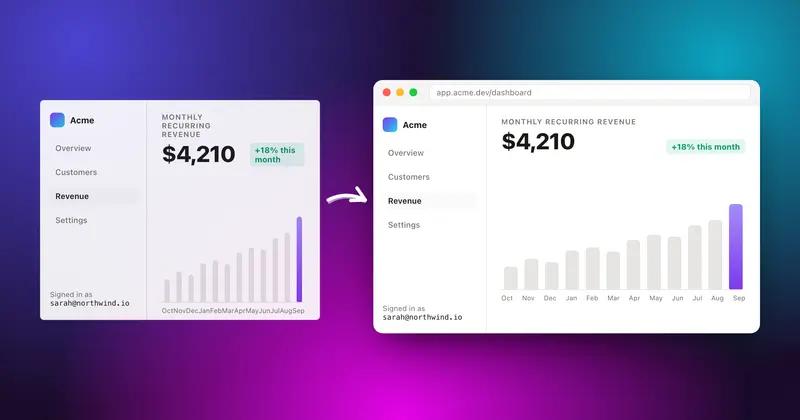
A raw screenshot dropped into a landing page or changelog reads as unfinished; the same image inside browser window chrome reads as a real product. Shotmesh adds that frame the moment you paste or drop your screenshot, no upload and no account needed.
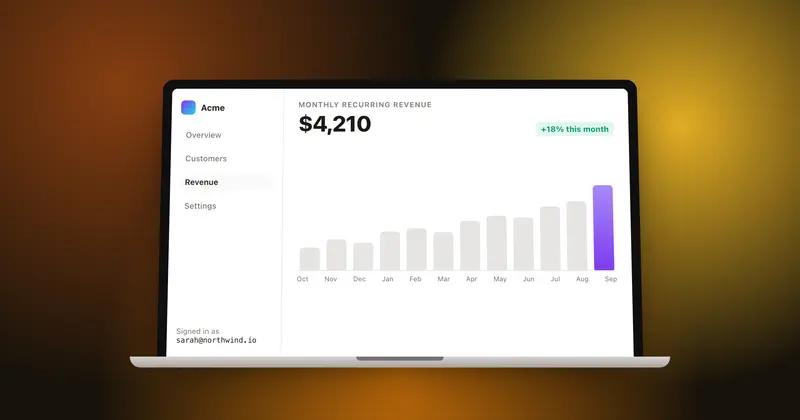
Pick browser chrome, a macOS window, or a terminal frame, each available in light or dark, depending on what fits the surrounding page. Add one of the 44 gradient presets behind it, or an image or animated background, along with a shadow and rounded corners so it sits naturally on the page.
Export the framed screenshot as PNG for a landing page, docs site, or changelog entry. Framing and PNG export are free; Pro removes the free plan's watermark and adds the other export formats.
How it works
How to wrap a screenshot in a browser window
- 01
Add your screenshot
Paste or drop the image into the canvas. It loads instantly, nothing is uploaded.
- 02
Pick a window frame
Choose browser chrome, a macOS window, or a terminal frame, in light or dark.
- 03
Style the background
Add a gradient, image, or animated background behind the framed screenshot, and adjust shadow and padding.
- 04
Export as PNG
Save the file and drop it into your landing page, docs, or changelog post.
Why Shotmesh
What you get that a plain crop does not
Three frame styles, light and dark
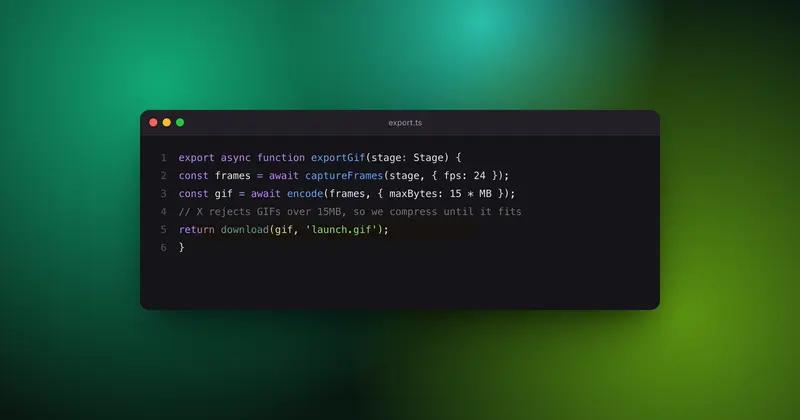
Browser chrome, macOS windows, and terminal frames cover most product and dev-tool screenshots, and each works in either light or dark mode.
Matches your site's look
Because the background and frame are both adjustable, the same screenshot can be styled to fit a landing page's palette rather than looking generic.
No upload for pre-launch screenshots
Screenshots of unreleased features often shouldn't touch a server. Shotmesh renders everything, including the frame and export, in your browser.
FAQ
Questions people ask
What window frame styles are available?
Browser chrome, a macOS-style window, and a terminal frame, each in light or dark.
Is the browser mockup generator free?
Yes, adding the frame and exporting as PNG are free. The free export has a small watermark, removed on Pro.
Can I use a terminal frame for a CLI screenshot?
Yes, the terminal frame is built for exactly that, and it's available in light or dark.
Does this work for changelog screenshots?
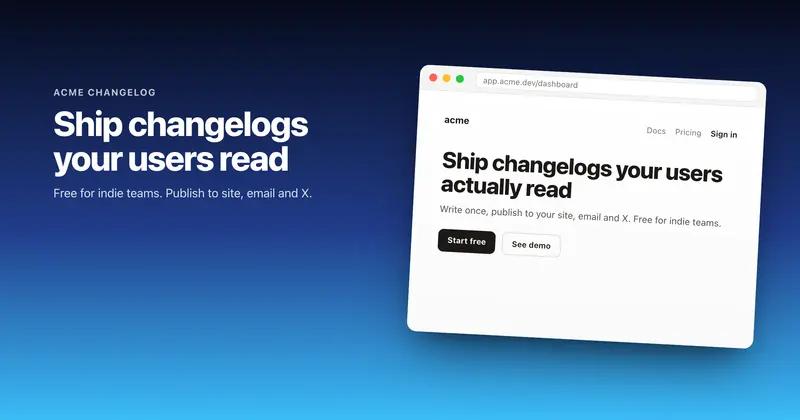
Yes, framing plus a plain or gradient background is a common setup for changelog and release-note screenshots.
Do I need to upload my screenshot to use a window frame?
No, the screenshot stays in your browser through framing, styling, and export.
Try it on a real screenshot
Paste from your clipboard and you are editing in under a second.