GIF vs MP4 for X Posts: Which One Should You Actually Use
Both autoplay on X, so which format actually wins for a screenshot recording: GIF or MP4? A practical breakdown of file size, sharpness, and when each one is the right call.
This question comes up every time we talk to someone about posting a screen recording on X: should it be a GIF or an MP4? The honest answer is that on X specifically, MP4 wins in almost every case, and the reasons why are worth understanding so you're not defaulting to GIF just because it's the more familiar format.
Here's the actual breakdown, including the couple of situations where GIF is still the right call.
Both autoplay, so that's not the deciding factor
A common assumption is that GIFs autoplay and videos need a tap, so GIF must be the safer choice for grabbing attention. That's not true on X. Both videos and GIFs autoplay directly in the timeline by default (viewers can turn autoplay off in their Data usage settings, but that's off by default too). So autoplay behavior is a wash between the two formats, and it shouldn't be the reason you pick one over the other.
What actually differs between them on X is what happens after upload, and that's where MP4 pulls ahead.
X converts your GIF to video anyway
Here's the detail that changes the whole calculation: when you upload a GIF to X, X converts it to a video internally before serving it in the timeline. You're not actually getting a native GIF experience even when you upload a GIF, you're getting X's video pipeline applied to a GIF-encoded source, which is a lossier starting point than a video file would have been.
This means uploading an MP4 directly skips a lossy conversion step. Your video goes through X's video pipeline once, from a source that already has better color depth and compression than GIF's limited palette. The practical result is a sharper, cleaner-looking clip for the same visual content.
MP4 is smaller, sharper, and has no 15MB ceiling
GIF's compression is genuinely inefficient for anything with more than a handful of colors or smooth motion, because the format is built around a limited color palette (256 colors) and doesn't have the temporal compression tricks that video codecs use. That's why GIFs of screen recordings often look grainy or banded even when the source footage is clean.
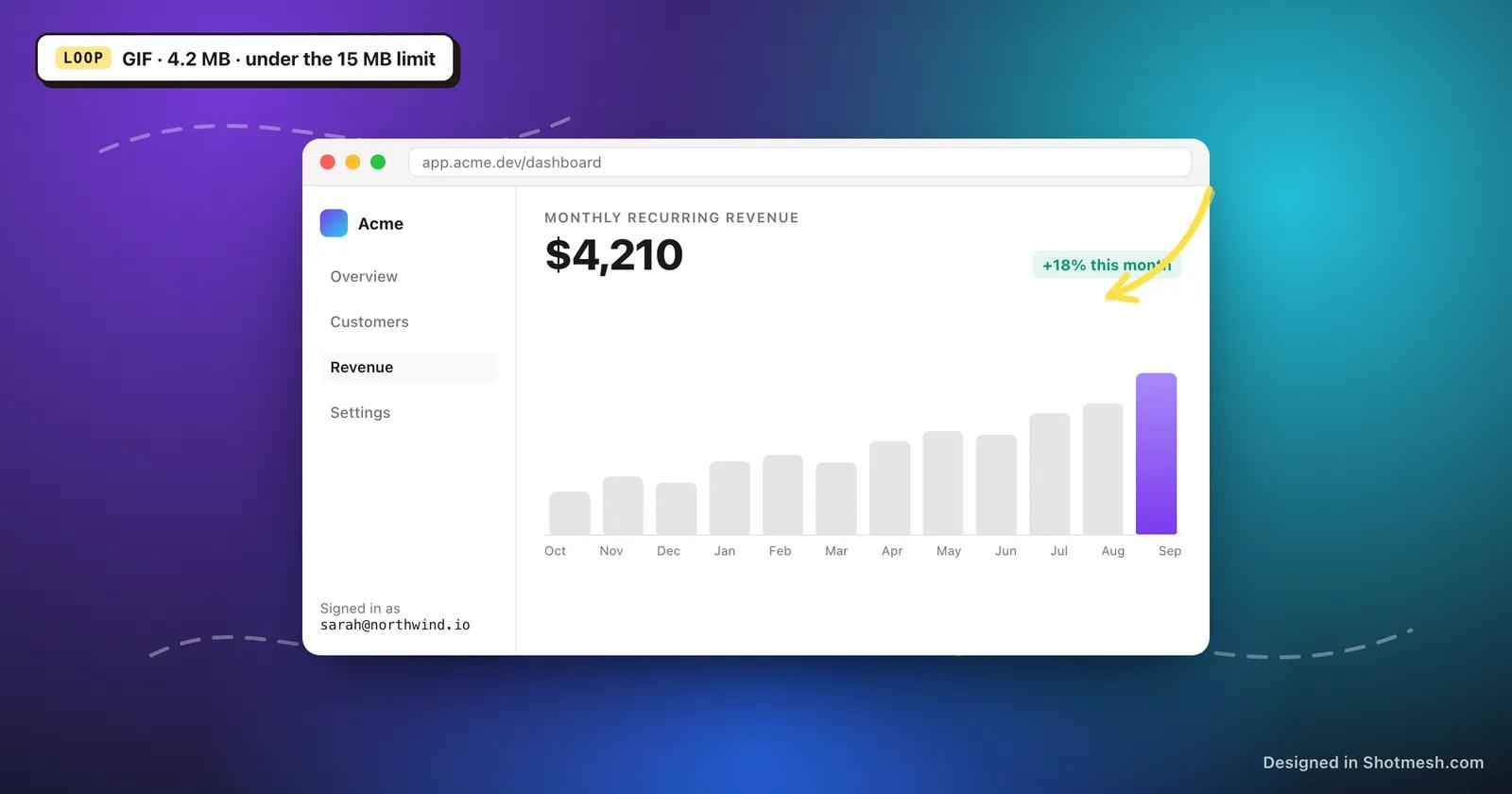
MP4, using H.264 encoding, gets meaningfully better visual quality per megabyte because it can use full color depth and compress based on what actually changes between frames rather than re-encoding a limited palette each frame. On top of that, X's GIF upload limit is 15MB, which for anything more than a few seconds of screen recording forces you to either shorten the clip or accept quality loss to fit under the cap. Video on X can go up to 512MB and 2 minutes 20 seconds for standard accounts, which is rarely a real constraint for a product demo clip.
- MP4 (H.264): better quality per megabyte, no 15MB ceiling, up to 512MB and 2:20 length.
- GIF: capped at 15MB, limited to 256 colors, prone to banding on gradients and smooth UI motion.
- For anything longer than about 5 to 8 seconds with real UI detail, MP4 is almost always the sharper result at a smaller file size.
Where GIF still wins
GIF isn't obsolete, it's just the wrong default for X specifically. The real reason to reach for GIF is when you're posting somewhere that only accepts an image format and doesn't support embedded video at all. GitHub READMEs are the clearest example: a GitHub README can't embed an MP4 player, but it can embed a GIF and have it animate inline, so GIF is the correct choice there.
The same logic applies to some documentation platforms and to link preview thumbnails in tools like Slack, where a GIF will often animate directly in the preview while a video link just shows a static thumbnail with a play button. If your audience is going to see the asset somewhere other than the X timeline itself, check whether that platform actually supports inline video before assuming MP4 is still the better call.
- GitHub README and most markdown-based docs: GIF, since inline video isn't supported.
- Slack and Discord previews: GIF often autoplays inline where a video link just shows a thumbnail.
- The X timeline itself: MP4, for the reasons above.
Loop behavior and what to watch for
GIFs loop by default with no way to turn that off once posted, which is usually what you want for a short UI interaction, but it can look strange for a clip that has a clear beginning and end rather than a natural loop point. MP4 on X also loops by default in the timeline, so this isn't actually a differentiator between the two formats anymore, but it does mean you should design the clip itself to loop cleanly regardless of which format you export.
The fix is the same either way: trim your clip so the last frame flows naturally back into the first one. A cursor that ends near where it started, a panel that closes back to its opening state, or a chart that resets are all good loop points. A clip that ends mid-action and then jarringly snaps back to the start is the most common thing that makes a looping post feel unpolished.
How Shotmesh handles this
Rather than making you pick a format before you know how it'll look, Shotmesh exports both from the same edit: GIF, kept automatically under the 15MB limit by adjusting compression as needed, and MP4 in H.264 for the sharper, smaller result. You can annotate, add a background, frame it in a device mockup, and then export whichever format actually fits where you're posting it.
Our default recommendation is simple. If you're posting to X, export MP4. If you're embedding in a GitHub README, a doc, or anywhere else that only renders images inline, export GIF. Everything else about the edit, the frame, the annotations, the background, stays exactly the same either way.
Export your screen recording as GIF or MP4 from the same edit, free and in your browser.