Screenshots that move.
Paste a screenshot, drop it on an aurora background, annotate with hand-drawn arrows, hide anything sensitive, and export a PNG, GIF or MP4 that stops the scroll.
- X
- Product Hunt
- GitHub README
- Changelogs
- Docs
No signup. Paste with ⌘V in the editor above, or capture any tab with the Chrome extension.
Motion, not just a frame
Animated mesh backgrounds, stickers and arrows that draw themselves. Export a looping GIF under the 15MB limit, or an MP4 that autoplays in the feed.
Privacy scan before you post
One click finds emails, API keys, card numbers, amounts and @handles in the image, then blurs or bars every match at once. OCR runs in your browser.
Nothing leaves your machine
Paste, edit and export locally. No upload, no account, no queue. The Chrome extension hands a capture straight to the editor tab.
Free tools
Same editor, one job at a time
Each tool opens the editor with the right preset loaded. 16 of them, all free.
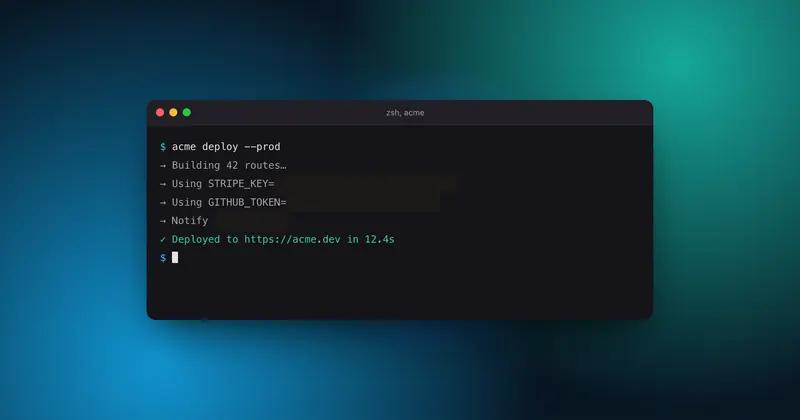
Privacy
Hide API keys in a screenshot before you post
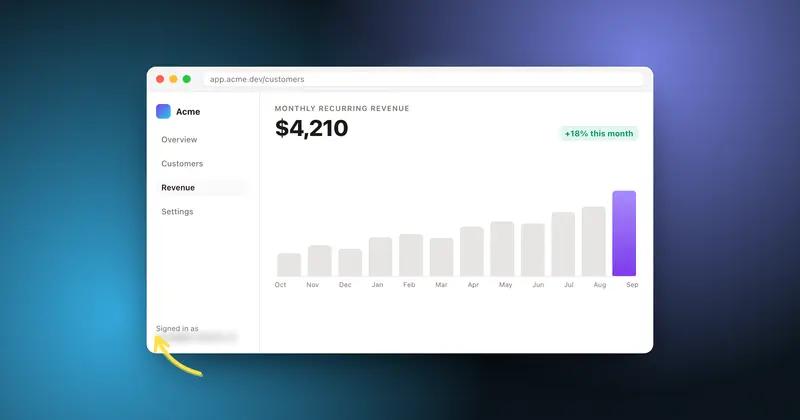
Privacy
Blur every email and handle in one click
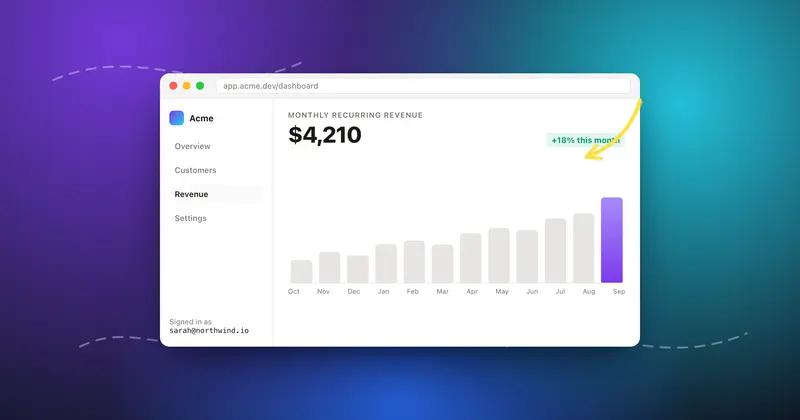
Motion
Turn a static screenshot into a looping GIF
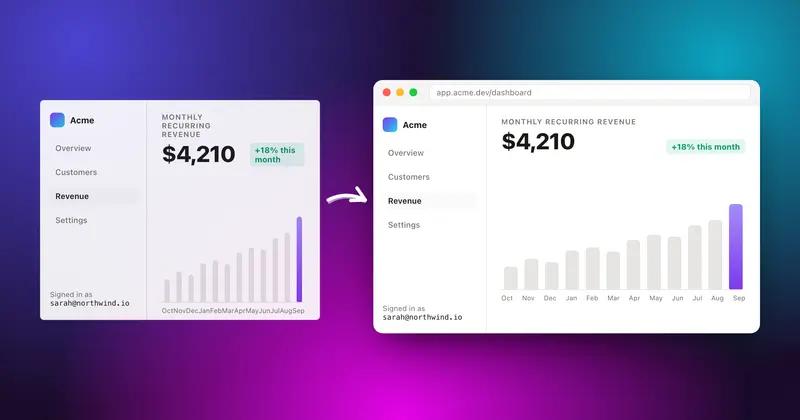
Backgrounds
Add a background to any screenshot
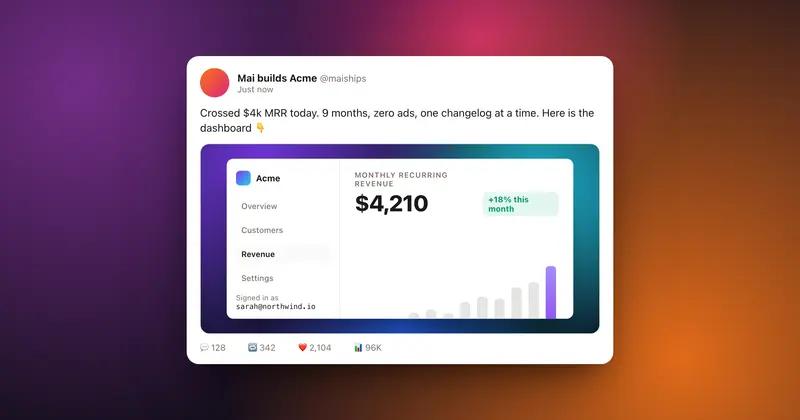
For X
Make a screenshot that looks right on X
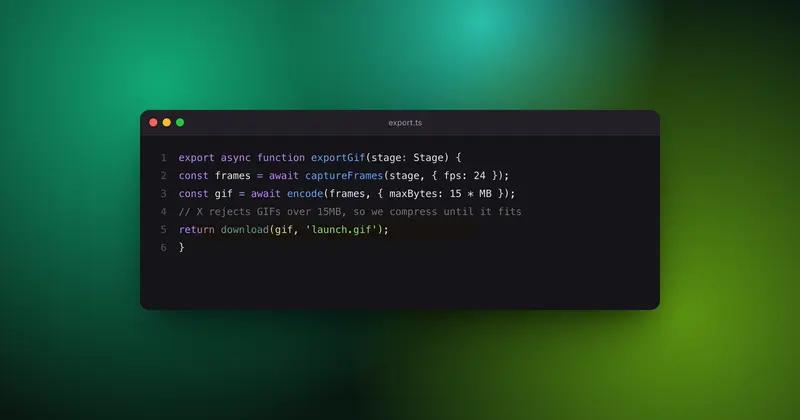
Code
Make a code screenshot worth posting
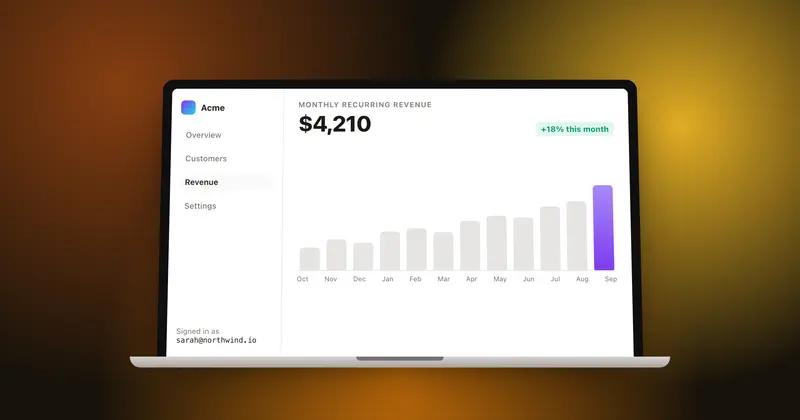
Mockup
Put your screenshot in a MacBook mockup
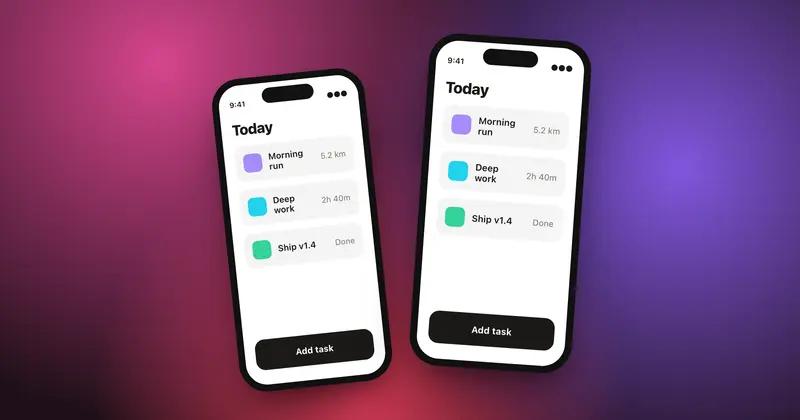
Mockup
Put your app screenshot in an iPhone
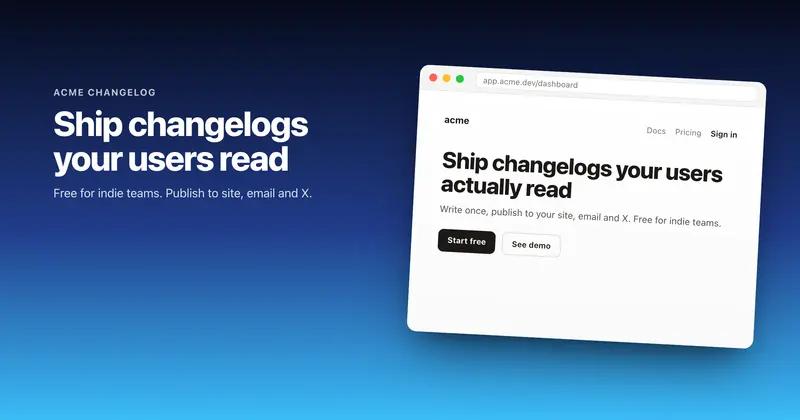
Social
Make an OG image at 1200 by 630
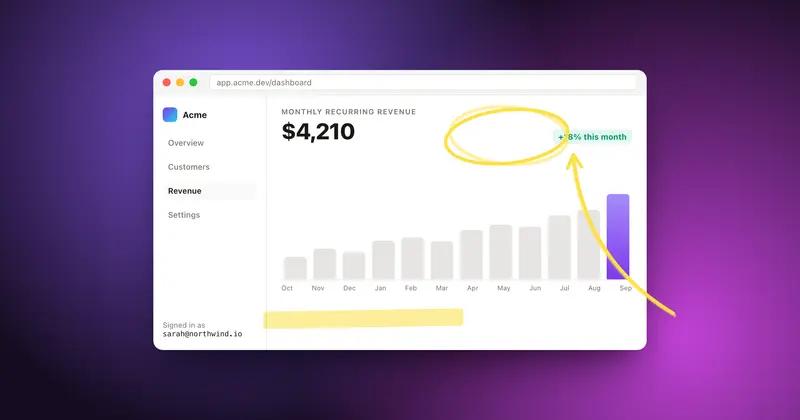
Annotate
Annotate a screenshot with hand-drawn arrows
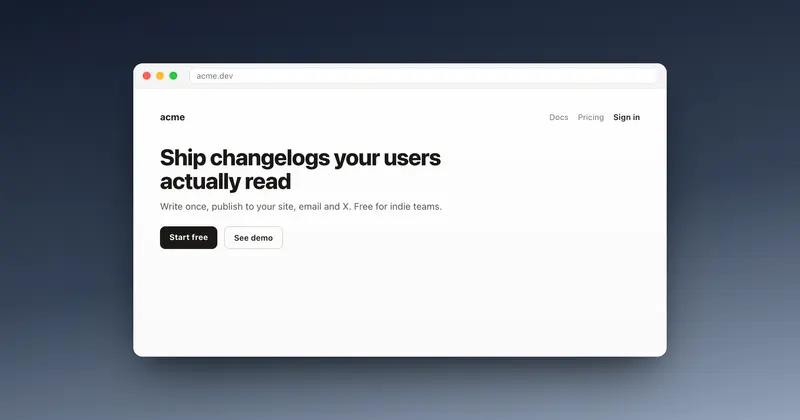
Mockup
Wrap a screenshot in a browser window
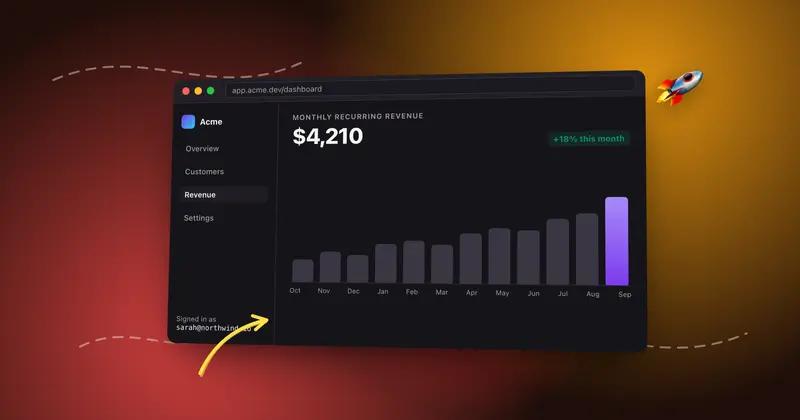
Motion
Make a screenshot mockup that moves
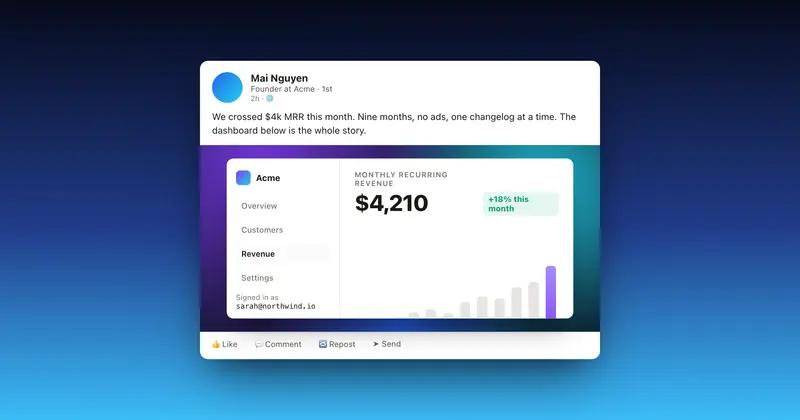
For LinkedIn
Make a screenshot look right on LinkedIn
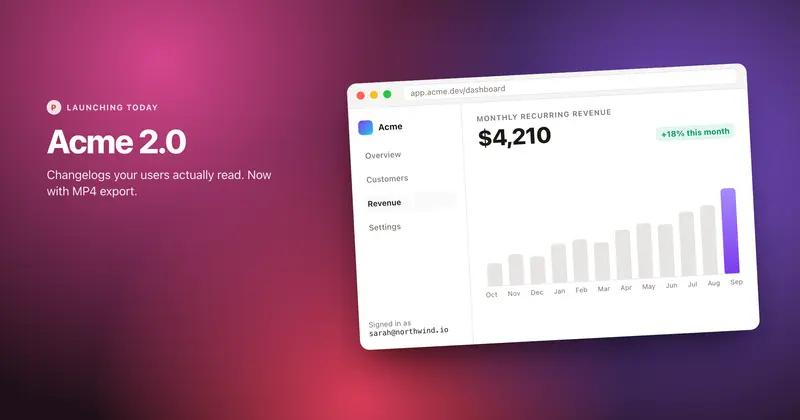
For Product Hunt
Make a Product Hunt gallery image
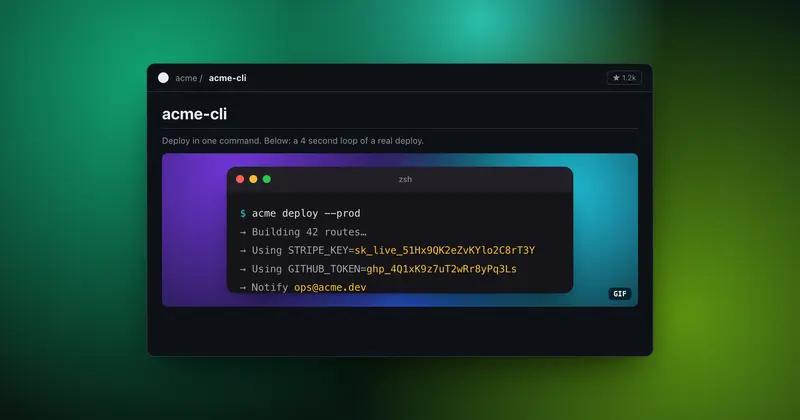
For GitHub
Make a GIF for your GitHub README
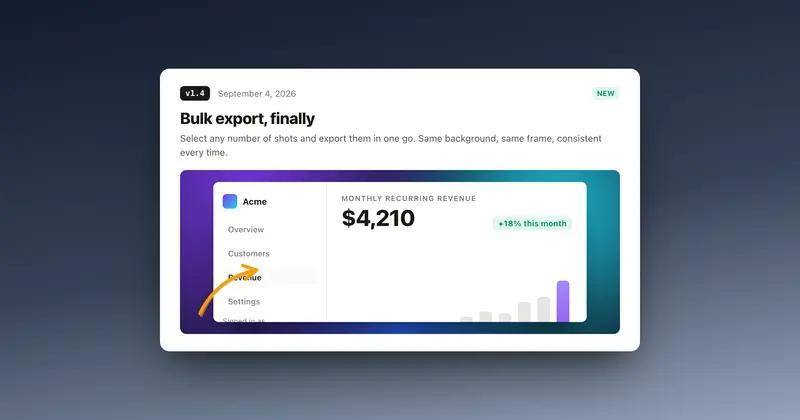
For changelogs
Make changelog screenshots people read
What makers say
Real posts, real people

Coming next
Built in the open
The Chrome extension is out. The Mac app is next. Tell me what you need before I build the wrong thing.
Tell me what to build next
Shotmesh is free while in beta. Your reply lands straight in my inbox, and I read every single one.
No sign up. No email. Takes 10 seconds.
FAQ
Questions people ask
Is the screenshot editor free?
Yes. Editing, all 44 backgrounds, frames, annotations, the privacy scan and PNG export are free. A Pro plan removes the small watermark and unlocks premium export options.
Which platforms is it made for?
Anywhere you show your work: X, LinkedIn, Product Hunt galleries, GitHub READMEs, changelogs and docs. Canvas presets cover X posts and 1200x630 link previews, and you can set any custom size.
Can I export an animated GIF or an MP4?
Both. GIF is compressed automatically under the 15MB X upload limit and is the format READMEs can play. MP4 is sharper and smaller, and it is what X and LinkedIn autoplay in the feed.
Does my screenshot get uploaded to a server?
No. Editing, the privacy scan and every export run entirely in your browser. Saved designs stay in your browser too.
How do I hide emails or API keys in a screenshot?
Click Privacy scan. Local OCR finds emails, API keys (Stripe, GitHub, AWS, JWT), card numbers, amounts, phone numbers and @handles, grouped by type. Tick a group to blur, pixelate or black-bar every match.
What makes this different from other screenshot beautifiers?
Motion and privacy. Animated GIF and MP4 exports plus a fully local privacy scan, in a tool that opens with a paste and needs no account.