
Make changelog screenshots people read
One clear, annotated screenshot per entry, on a background that stays consistent so readers recognize your changelog at a glance.
Free. No signup. Paste with ⌘V and start. Your screenshot stays in your browser.
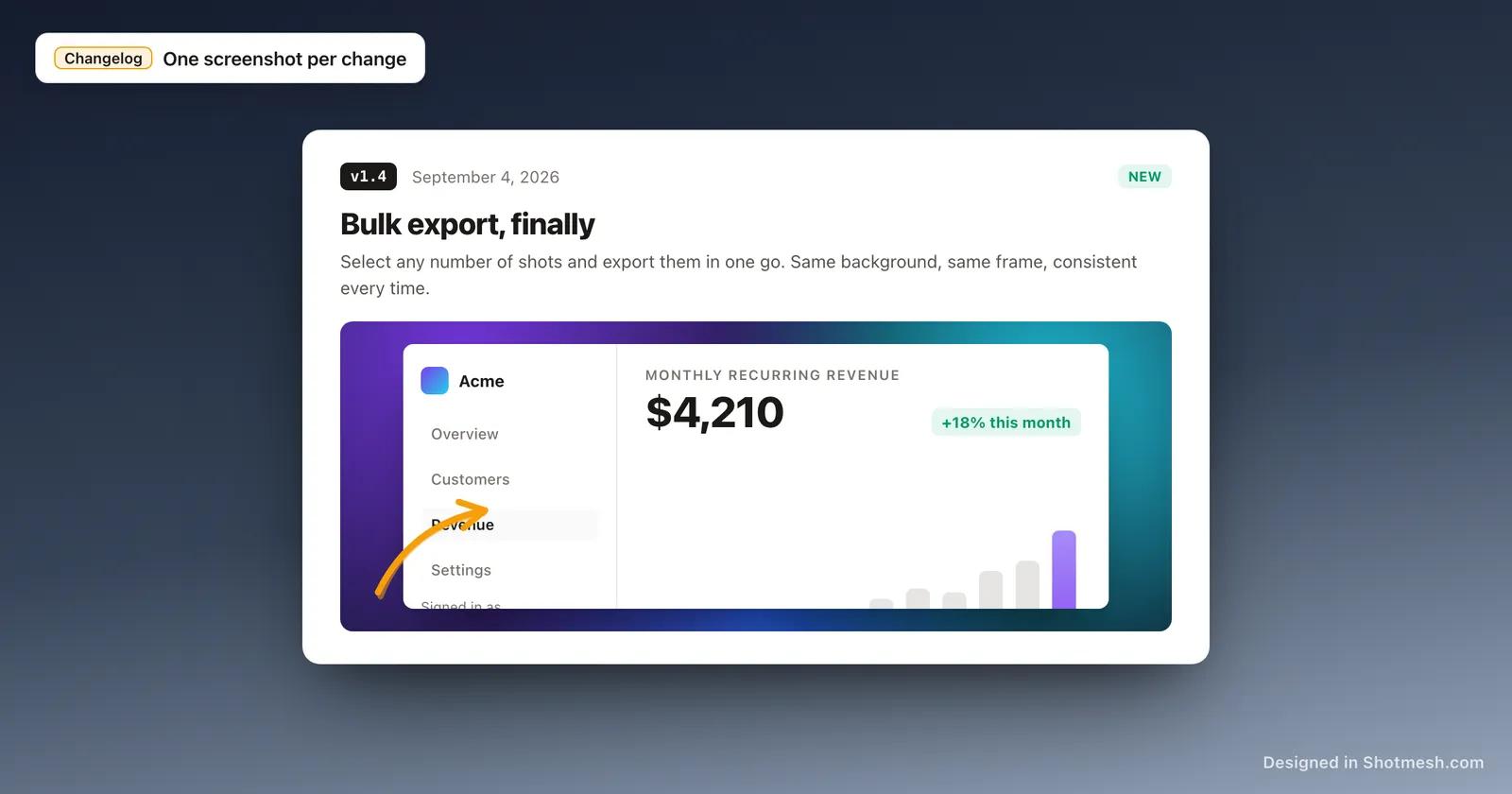
A changelog entry that says "improved the export flow" is a sentence someone skims past. The same entry with a screenshot of the new export flow, an arrow pointing at what changed, gets actually looked at, because it shows the update instead of describing it.
The screenshots also add up over time. A changelog where every entry uses a different random background or no frame at all looks like a pile of unrelated images. Keeping the background and frame style consistent across entries is what makes a changelog feel like one product's history instead of a scrapbook.
Shotmesh frames each entry in a consistent macOS or browser window, lets you point at the specific change with an arrow or highlight, and exports a matching OG image at 1200x630 so the changelog link looks right when it is shared too.
How it works
How to make changelog screenshots people read
- 01
Paste the screenshot for this entry
Paste or drop in the screenshot showing the new feature, fix or UI change. It stays local to your browser.
- 02
Pick one background and frame, and reuse it
Choose a gradient and frame style once, then use the same pairing for every changelog entry so the series reads as one consistent set.
- 03
Point at what changed
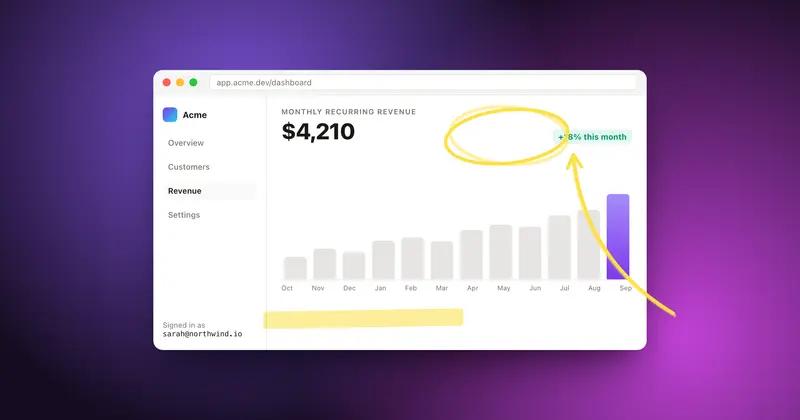
Use an arrow, underline or highlight to mark the specific part of the screenshot the entry is about, so readers do not have to hunt for it.
- 04
Export the entry image and the OG image
Export a PNG for the changelog entry itself, and a 1200x630 version for the link preview when the changelog gets shared.
Why Shotmesh
What you get that a plain crop does not
A picture of the change beats a description of it
An arrow pointing at the new button or the fixed layout shows a reader exactly what shipped, faster than a sentence explaining it does.
Consistency makes the changelog recognizable
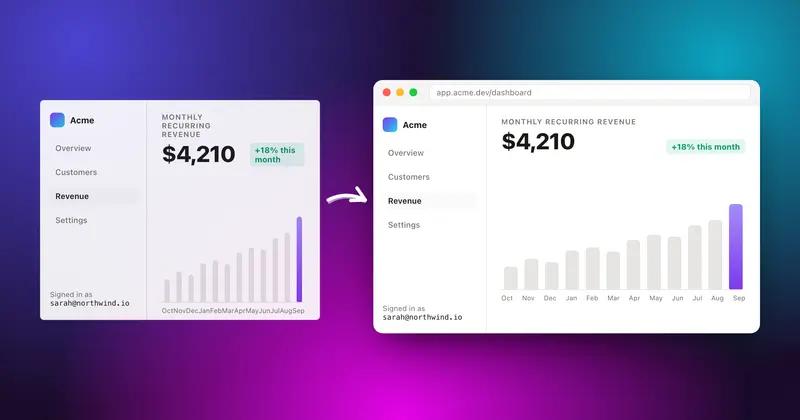
Reusing the same background and frame style across entries turns a list of separate screenshots into a changelog readers recognize as belonging to your product.
The link preview gets covered too
The 1200x630 OG image preset means the same editor produces the entry screenshot and the image that shows up when the changelog link is shared on X or Slack.
FAQ
Questions people ask
What size should the changelog link preview image be?
1200x630 is the standard OG image size, and Shotmesh has it as a canvas preset so the changelog link preview renders correctly wherever it is shared.
Should every changelog entry use the same background?
It helps. Reusing one background and frame style across entries makes the changelog feel consistent, rather than each entry looking like it came from a different tool.
Can I point out the specific thing that changed in the screenshot?
Yes, arrows, underlines and highlights are built in, so you can mark the exact button, line or section the entry is describing.
Can a changelog entry use a short GIF instead of a still image?
Yes, if the change is easier to show in motion, export a GIF or MP4 instead of a PNG for that entry.
Does this require an account to use for a whole changelog?
No account needed. Editing and PNG export are free with a small watermark, so a full changelog can be built without signing up.

Try it on a real screenshot
Paste from your clipboard and you are editing in under a second.