
Make a Product Hunt gallery image
Frame the shot, size it to 1270x760, and make the first image do the work of getting someone to click in.
Free. No signup. Paste with ⌘V and start. Your screenshot stays in your browser.
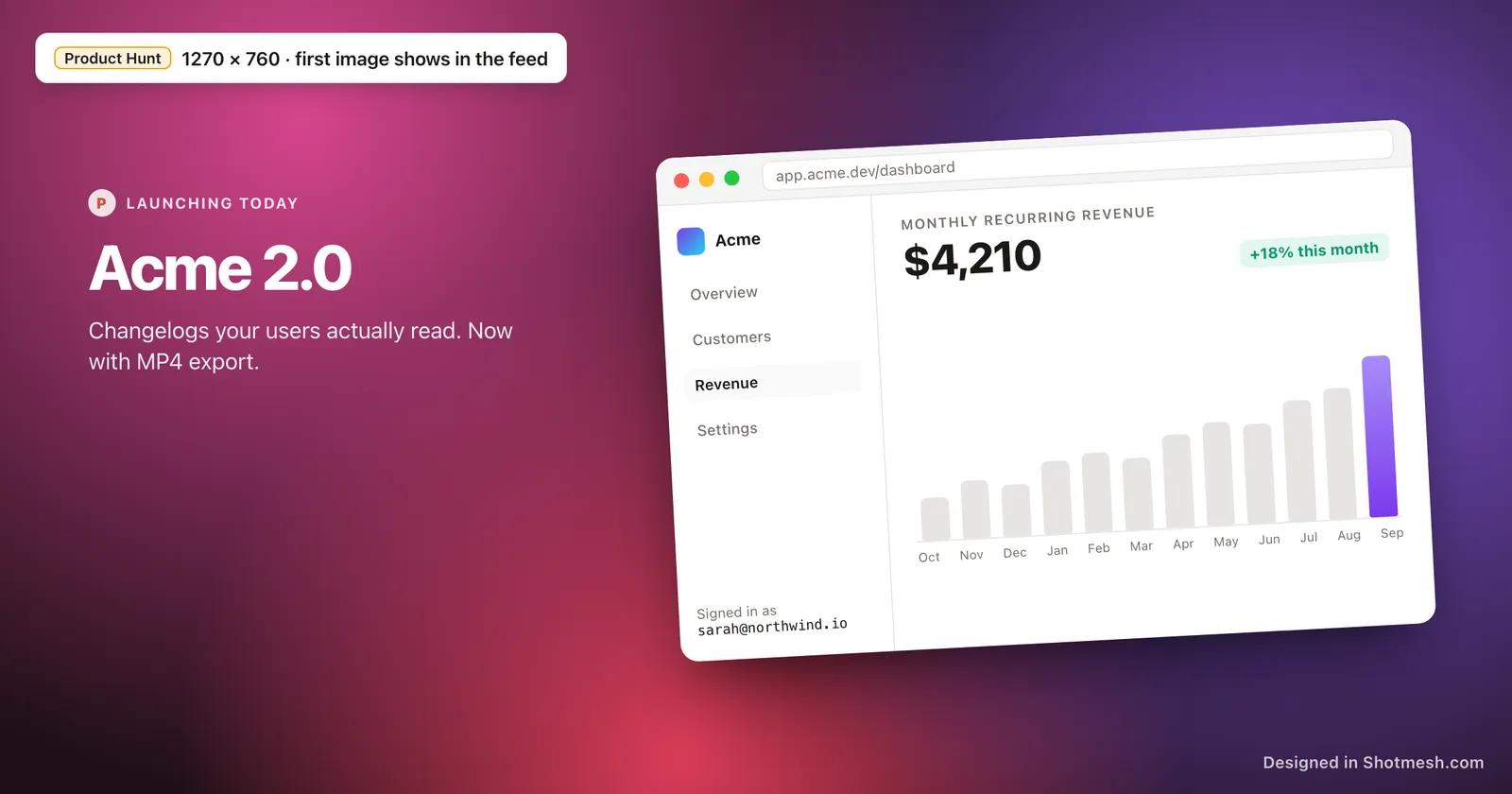
The Product Hunt gallery is where a launch gets decided. The first image in the gallery is the one that shows in the feed before anyone clicks through, and a plain unframed screenshot of your app sitting next to launches with a designed hero shot loses the scroll.
The gallery accepts static images, GIFs and video, and Product Hunt recommends 1270x760 for gallery images. Text and UI still need to be readable at feed size, which is smaller than the full gallery view, so a screenshot crammed with five small windows reads as noise once it shrinks.
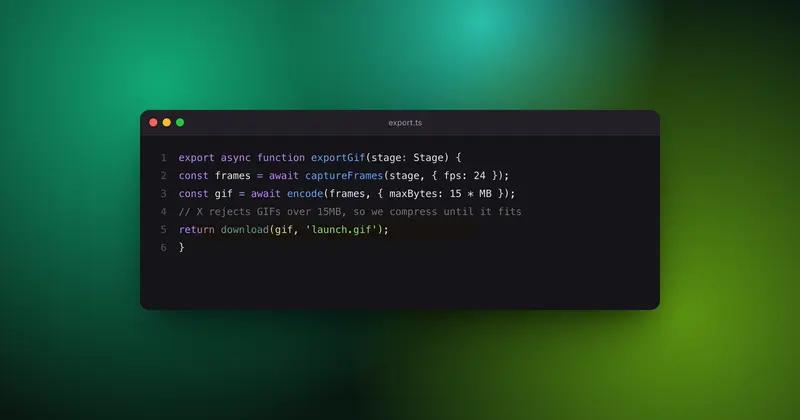
Shotmesh sizes the canvas to 1270x760, frames the product in a browser or macOS window with a background behind it, and exports PNG for the still images or GIF and MP4 for a gallery entry that shows the product in motion.
How it works
How to make a Product Hunt gallery image
- 01
Paste your product screenshot
Paste or drop the screenshot into the editor. It loads locally, nothing is sent to a server.
- 02
Set the canvas to 1270x760
Use the Product Hunt gallery preset so the image fills the frame Product Hunt actually displays, instead of getting cropped or padded after upload.
- 03
Frame it and keep the first image simple
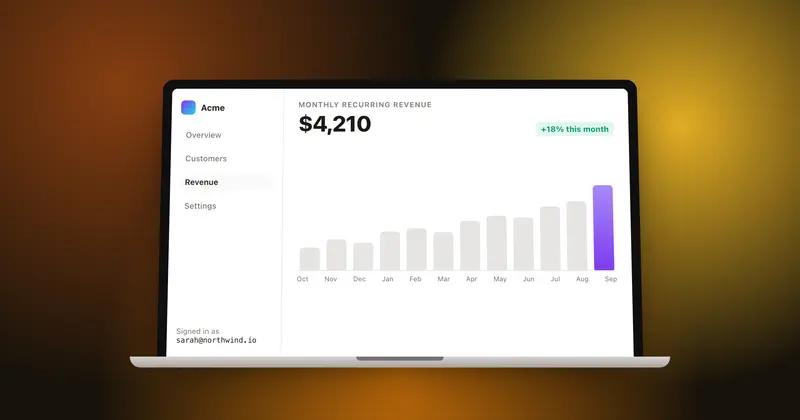
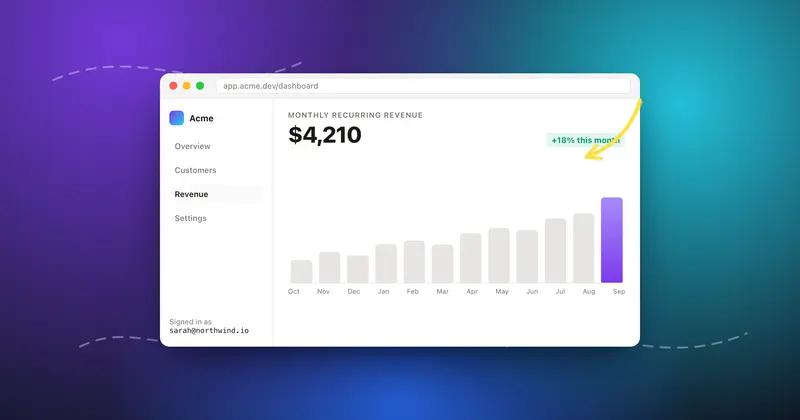
Add a macOS or browser frame and a background, and for the image that will lead the gallery, show one clear screen rather than a crowded collage.
- 04
Export the gallery set
Export the lead image as PNG, and if you want a moving second or third image, export GIF or MP4 to show a flow or interaction.
Why Shotmesh
What you get that a plain crop does not
Sized to what the feed actually shows
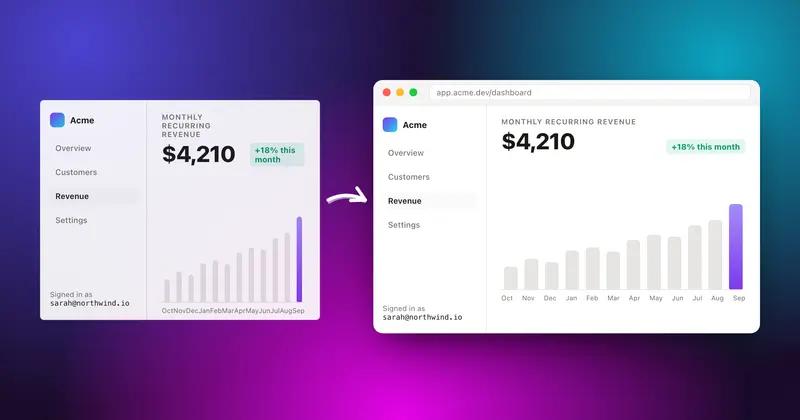
The 1270x760 preset matches Product Hunt's recommended gallery size, so the lead image is not cropped or shrunk oddly once it hits the feed.
One clean shot beats a crowded one
A framed, single screen with a background reads clearly at feed thumbnail size. A gallery image packed with multiple small screenshots stops being legible the moment it shrinks.
GIF or MP4 for the images that show motion
Product Hunt accepts both formats in the gallery, so a flow or interaction can be a second or third gallery image, exported straight out of the same editor as the static shots.
FAQ
Questions people ask
What is the recommended image size for the Product Hunt gallery?
1270x760 is the recommended size for gallery images. Shotmesh has this as a canvas preset so the export matches it exactly.
Does Product Hunt accept GIFs and video in the gallery?
Yes, the gallery accepts static images, GIFs and video alongside each other, so a mix of a framed still and a short motion clip works well.
Which image should I put first in the gallery?
The first image is what shows in the Product Hunt feed before anyone opens the listing, so it should be the single clearest shot of the product, not a crowded collage of screens.
Can I add a background behind my app screenshot?
Yes, there are 44 gradient presets plus image and animated backgrounds, and each layer of a background can be edited separately.
Is there a cost to export gallery images?
No signup or payment needed for editing and PNG export. Export carries a small watermark unless you remove it with the paid tier.
Try it on a real screenshot
Paste from your clipboard and you are editing in under a second.