
Studio preset
Indigo Dusk gradient background
Navy to indigo to periwinkle.
- #3D4E81
- #5753C9
- #6E7FF3
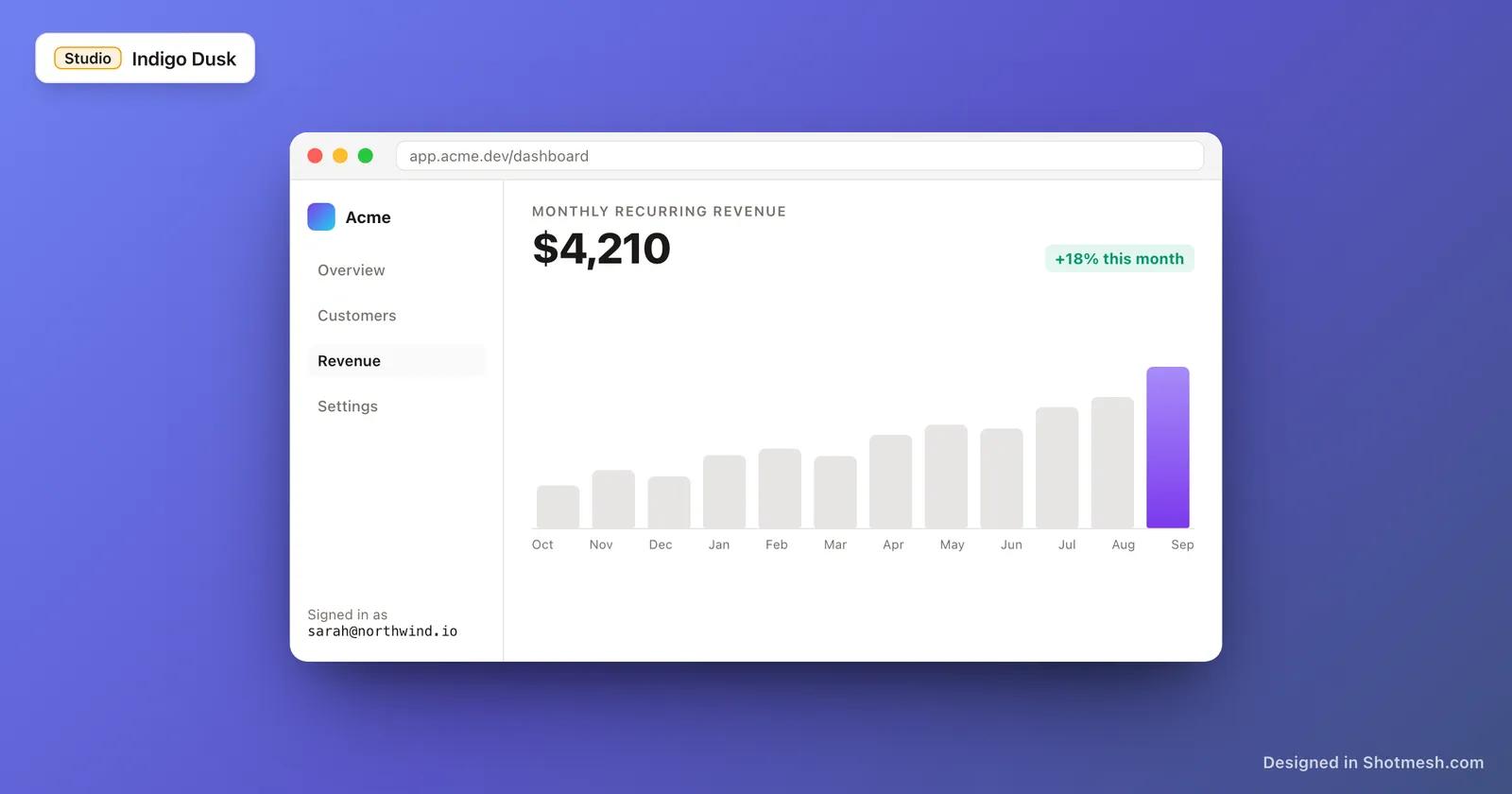
Best for
Dark-mode SaaS, analytics, serious product launches.
Pairs with
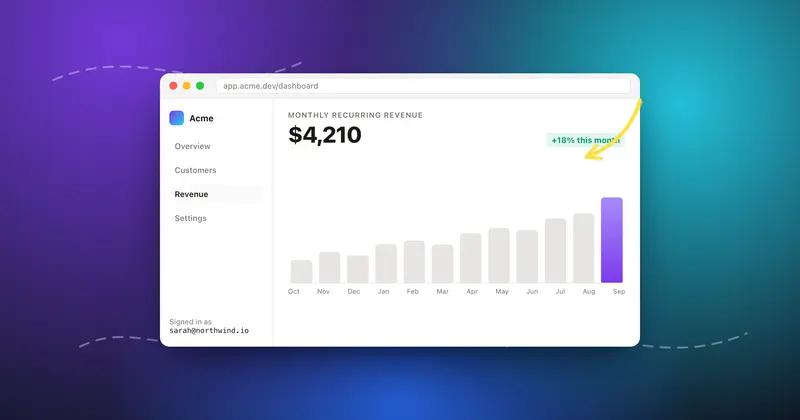
Dark frame, white text, cyan arrows.
Editable layers
3 color stops at 315 degrees. Change any stop, the angle, or add a third color.
How to use it
Put a screenshot on Indigo Dusk
- 01
Open the preset
Click "Open in editor" above. The editor loads with Indigo Dusk already applied to the canvas.
- 02
Paste your screenshot
Cmd+V or drag a file in. Add a window frame, padding and shadow from the right panel. Run the privacy scan if there is anything sensitive.
- 03
Export
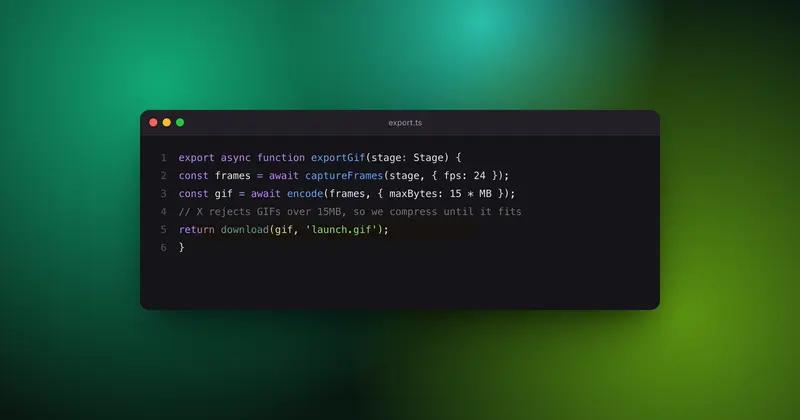
PNG for a static post. GIF or MP4 if you want the mesh to move. The GIF is compressed under the 15MB X limit automatically.
More Studio
Same family, different mood
Works well with
Tools that use this background
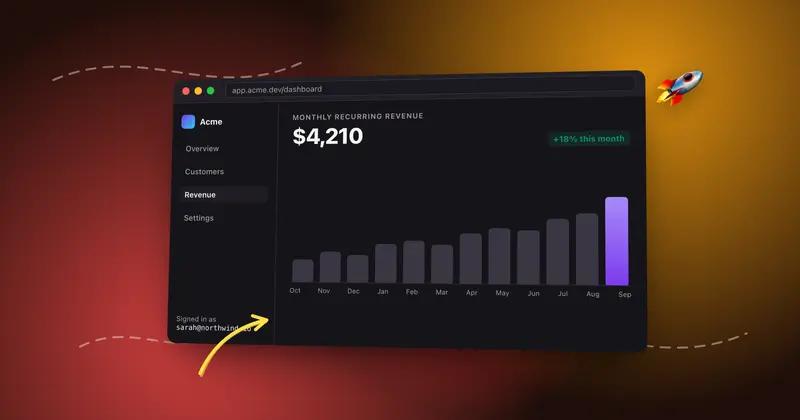
Start with Indigo Dusk
It is loaded and waiting. Paste a screenshot and export in under a minute.