Best Screenshot Beautifiers in 2026: 9 Tools Compared
Nine screenshot beautifiers compared on price, animated export, privacy and platform: Shotmesh, Pika.style, shots.so, PimpMySnap, Screenhance, BrandBird, Xnapper, CleanShot X and Screen Studio.
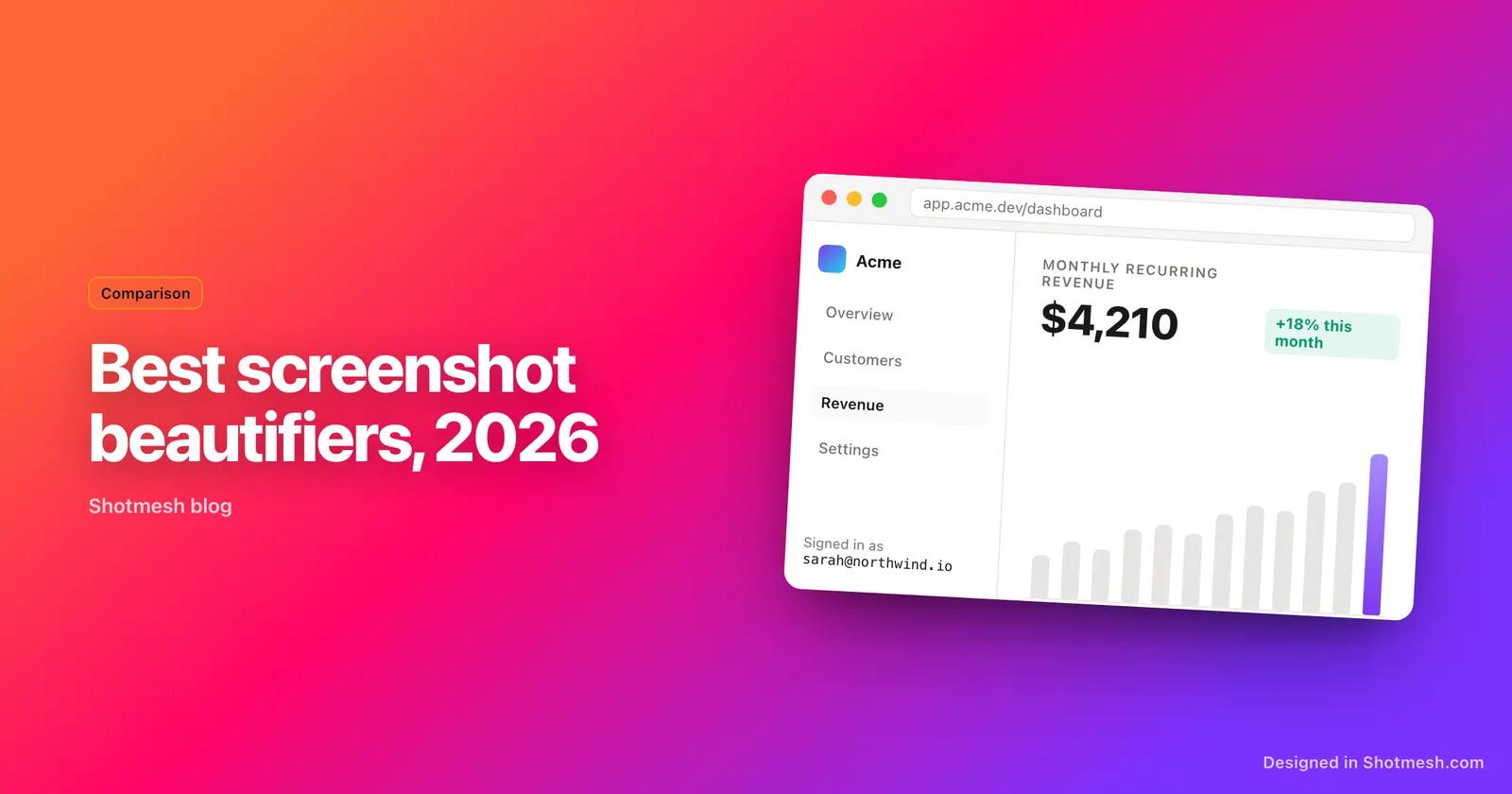
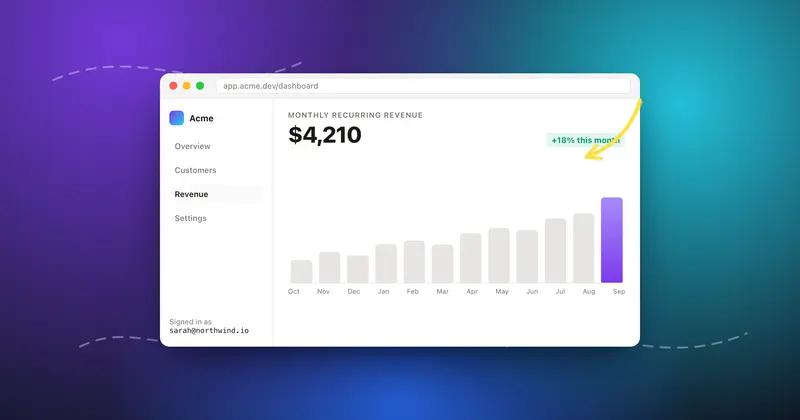
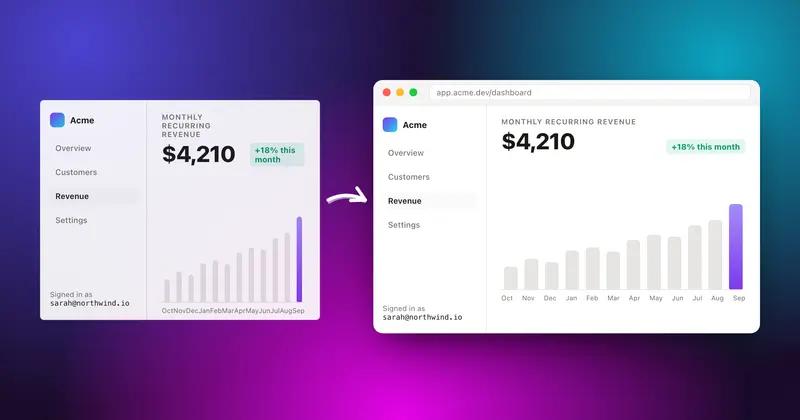
A screenshot beautifier takes a plain capture and puts it on a background, in a frame or a device, with a shadow and maybe an annotation, so it looks deliberate when it lands in a feed. There are more of these tools than anyone needs, and most reviews just list features off the pricing page. This one is written by the person who builds Shotmesh, so read the Shotmesh entry with that in mind. Every other entry links to a longer, fair comparison page where we say where that tool wins.
Three questions sort the field quickly: does it export motion (GIF or MP4) or only static images, does it run in the browser or need a Mac, and what does the free tier actually give you. The list is ordered by how well each tool fits a maker posting on X, LinkedIn, Product Hunt or a GitHub README, not by overall polish.
1. Shotmesh: free, browser-based, animated export and a privacy scan
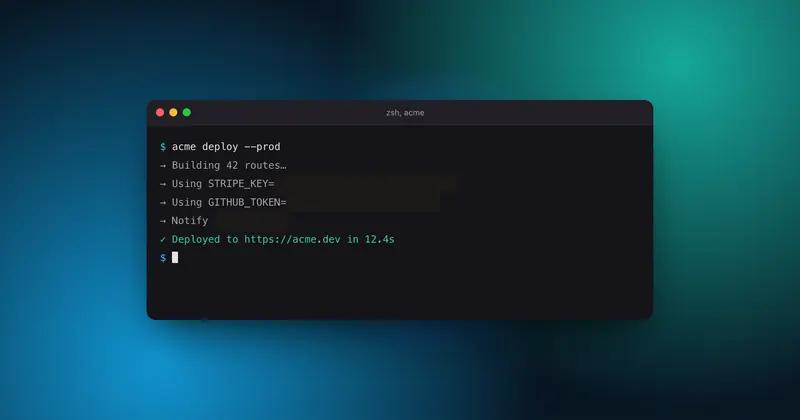
Shotmesh runs entirely in the browser: paste a screenshot and you are editing, no signup, no upload. Backgrounds are animated mesh gradients plus 65 editable presets and image, GIF or video backgrounds. It exports PNG, JPEG, GIF (auto-fitted under the 15 MB X limit) and MP4. The privacy scan runs local OCR to find emails, API keys, card numbers and @handles, then blurs or bars every match in one click.
Free covers full editing and export with a small watermark; the paid plan removes it. It has no template library and no native capture on desktop, so if you want a hotkey-to-styled-image flow on Mac, look at Xnapper or CleanShot X below.
- Price: free with watermark, paid plan removes it
- Motion: GIF and MP4
- Platform: any browser, Chrome extension for capture
- Privacy scan: yes, local
2. Pika.style: polished templates, static only
Pika.style has the cleanest template system in this group, brand color presets, and 4K export in PNG, WebP and SVG. It is a paid product at its core, $13 a month or $150 a year for Pro, and it does not export animation at all. Good pick for a team that wants consistent static images and does not care about motion.
- Price: $13/month or $150/year, free tier with unclear limits
- Motion: none
- Platform: browser
- Full comparison: /alternatives/pika-style
3. shots.so: mature free static mockups
shots.so is the tool most people already know. The free tier handles static device mockups well and the layout controls are mature. Animated mockups and video export sit behind a paid plan whose price is not published, so treat motion as a paid feature you have to ask about.
- Price: free for static, paid for animated (price not published)
- Motion: paid only
- Platform: browser
- Full comparison: /alternatives/shots-so
4. PimpMySnap: cheap and no-frills
PimpMySnap is a small, cheap tool: free with a watermark, then $3.99 a month, historically a $29 lifetime license. Its distinct feature is a Giphy clip as background. Fewer editing controls than the others, but if you want a moving background and nothing else, it does the job.
- Price: free with watermark, $3.99/month
- Motion: Giphy background
- Platform: browser
- Full comparison: /alternatives/pimpmysnap
5. Screenhance: motion presets for screen recordings
Screenhance leans toward creators who also polish screen recordings. Static exports are free with a watermark, a $6 Launch Pass buys 10 clean static exports for 7 days, and Pro at $12 a month or $99 a year unlocks GIF and video. Its motion presets are specific and good; the free tier is thin.
- Price: free with watermark, $6 launch pass, Pro $12/month or $99/year
- Motion: paid
- Platform: browser
- Full comparison: /alternatives/screenhance
6. BrandBird: a beautifier inside a branding suite
BrandBird's screenshot beautifier page is free, but it is one tool inside a larger paid product for social graphics and branding. If you already pay for BrandBird, use it. If you only need styled screenshots, the suite is more than you need.
- Price: beautifier page free, main product paid
- Motion: static
- Platform: browser
- Full comparison: /alternatives/brandbird
7. Xnapper: fastest Mac capture-to-styled flow
Xnapper is a native Mac app with a one-time purchase. Hotkey, capture, styled image with automatic redaction of sensitive text, done. It is the best choice for Mac users who capture a lot and want zero friction. It does not run on Windows, Linux or iPad, and it does not do animation.
- Price: one-time purchase
- Motion: none
- Platform: macOS only
- Full comparison: /alternatives/xnapper
8. CleanShot X: the full Mac capture toolkit
CleanShot X is a capture, recording, annotation and sharing toolkit for Mac, one-time purchase from $29. Its background styling is a side feature of a much bigger app. Buy it for the daily capture workflow, not for social-post styling.
- Price: one-time from $29
- Motion: screen recording, not animated stills
- Platform: macOS only
- Full comparison: /alternatives/cleanshot-x
9. Screen Studio: for real product demo videos
Screen Studio is a Mac screen recorder that produces polished demo videos with automatic zoom and cursor motion. At $29 a month, or $9 a month billed yearly, it is the most expensive on this list and it solves a different problem: recording a demo, not styling one screenshot. Included because people compare them when they want a moving image for a post.
- Price: $29/month or $108/year
- Motion: full screen recording
- Platform: macOS only
- Full comparison: /alternatives/screen-studio
How to choose
If you post on X and want the image to move, you need GIF or MP4 export: Shotmesh (free), Screenhance (paid), shots.so (paid) or PimpMySnap (Giphy backgrounds). If you are on a Mac and capture many screenshots a day, a native app wins on friction: Xnapper or CleanShot X. If your team needs consistent branded templates and never posts motion, Pika.style is the polished static choice.
Prices and features above were checked in September 2026. Each comparison page carries its own last-reviewed date and gets updated when a tool changes its plans.
Try the free one first. Paste a screenshot, export a GIF, judge it in your own feed.